ERP Software for SMEs: How to Choose and Deploy It Successfully
Is your SME ready for ERP software?
Many managers of small and medium-sized businesses see the value of ERP software for SMEs: centralizing data, reducing errors and making decisions easier. Yet many companies still run their operations with scattered tools.
The warning signs are often the same: spreadsheets multiplying across departments, recurring invoicing errors, stock that is hard to track in real time, and reports that are slow and tedious to produce. When a standalone management tool (invoicing only, a shared spreadsheet) is no longer enough, it is time to consider a truly integrated business management system.
ERP software centralizes your company's information in a single database, cuts down on re-keying and gives every department an up-to-date view of the business. This guide walks you step by step through choosing, deploying and succeeding with your ERP project, with insights from UnzipTech, a software development and IT consulting company based in Fez, Morocco.
What exactly is ERP software for an SME?
An ERP (Enterprise Resource Planning) system, also known as an integrated management software package, brings all of a company's management functions together in a single system. Data is centralized in a shared database that every authorized department can access.
Here are the functions typically covered by ERP software for SMEs:
- Sales management: quotes, customer orders, invoicing
- Purchasing and suppliers: purchase orders, goods receipt, expense tracking
- Inventory management: stock in, stock out, stocktaking, valuation
- Accounting: journals, balance sheet, income statement, tax reports
- Human resources (HR): employee records, absence tracking, administrative documents
- Project or job tracking: time spent, profitability, planning
- Dashboards and reporting
Here is a concrete example. A salesperson creates a quote in the ERP. The customer accepts; the quote becomes an order in one click. The warehouse receives the picking order, stock updates automatically, the invoice is generated and the matching accounting entry is recorded without any re-keying. The ERP lets you follow operational processes in real time, from first customer contact to payment.
That is the difference from a standalone management tool: an isolated invoicing tool knows nothing about your stock or your accounts. ERP software for SMEs covers the whole value chain, with every module sharing the same information.
The benefits of an ERP for SMEs
Here are the benefits SMEs typically look for when adopting an ERP:
- Consistent data. Centralizing information limits duplicates and inconsistencies between departments. A stock movement, an invoice, a payment: everything is reflected everywhere.
- Fewer data entry errors. Copy-pasting between files and manual transcription largely disappear.
- Fewer repetitive tasks. Reminders, reconciliations and reports can be automated.
- Better cash flow visibility. Tracking incoming payments and payment terms becomes clearer.
- Up-to-date reports. Key indicators are a few clicks away instead of requiring manual consolidation.
- Better collaboration. Data silos disappear: the salesperson, the warehouse clerk and the accountant work from the same information.
- Multi-site coordination. Whether the SME has one site or several, in Morocco or abroad, the ERP can handle multiple currencies if needed.
These benefits depend on rigorous implementation and serious support. A poorly configured ERP, or one adopted without training, has the opposite effect: frustrated teams and a return to old tools.
The main types of ERP for SMEs (cloud, on-premise, open source, industry-specific)
Not all SMEs face the same constraints. Organization, industry, budget and in-house skills point toward different families of ERP solutions.
Cloud ERP (SaaS). Cloud ERPs are accessed over the Internet, with no heavy infrastructure on the customer side. They generally run on a subscription model. Updates are automatic; the provider handles hosting, backups and security. This is often the preferred option for small businesses and SMEs without a dedicated IT team.
On-premise ERP. The software is installed on the company's own servers. This model requires in-house infrastructure and an IT team for maintenance, backups and updates. It suits organizations that want full control over their data or have specific regulatory constraints.
Open source ERP. Open source ERPs allow full customization of the code. However, the company needs internal or external technical skills to adapt, maintain and evolve the solution.
Industry-specific ERP. Industry ERPs are designed for specific sectors such as hospitality, logistics, rental or trading. They come with tailored modules out of the box (scheduling, bookings, supply chain, transport, production) that avoid lengthy custom development.
Cloud ERP vs on-premise ERP: how should an SME decide?
Choosing between cloud and on-premise is one of the first structural decisions. Here are the criteria to weigh:
- Upfront investment. A cloud ERP requires no heavy infrastructure: no server to buy, no perpetual license. You pay by subscription, which spreads out spending. An on-premise ERP requires a larger investment at the start (servers, licenses, installation).
- Speed of deployment. A cloud ERP is generally faster to roll out. An on-premise ERP often takes more work because of installation, server configuration and network testing.
- Mobility. Cloud ERPs offer automatic updates and remote access from any connected device. For an SME with field teams, traveling salespeople or several sites, this is a real advantage. On-premise often requires a VPN or extra configuration.
- Security and compliance. On-premise gives full control over data, which some sectors may require. With the cloud, you need to check the provider's commitments on encryption, data location and regulatory compliance.
- Scalability. The cloud adapts to growth: add users, modules or storage capacity without touching hardware. On-premise can become rigid if the infrastructure is not sized correctly from the start.
For a retail, services or small manufacturing SME without an IT team, the cloud is often the simplest choice. For a larger organization with advanced customization or local storage requirements, on-premise or a hybrid solution remains relevant. You can also combine both: some modules in the cloud, others on site, depending on each process's constraints.
Standard, customized or bespoke: what should an SME expect from ERP software?
Three approaches coexist:
- Standard "as-is" ERP. The software package is used with its preconfigured modules, unchanged. Advantages: controlled budget, quick setup, simple updates. Limitation: some specific business processes are not covered.
- Configured and customized standard ERP. The core stays standard, but workflows, business rules and documents (quotes, invoices, delivery notes) are adapted to the company's habits. This is a common approach for SMEs: it combines flexibility and budget control.
- Bespoke ERP. The software is built specifically for the company. The investment and project duration are greater, but the fit with business processes is maximal. This approach makes sense when the business is atypical or when differentiation relies on unique internal tools. To learn more, read our article on custom software.
To choose the right ERP, the question is not "what is the best software on the market?" but "which solution fits my processes, my teams and my budget?". At UnzipTech, every project starts with listening to and analyzing the needs, followed by designing and validating mockups with the client before any development. This approach avoids over-customizing from the outset.
Key ERP features for SMEs: what should the core system cover?
A good ERP offers modular features that can be switched on according to the SME's priorities. Its scalable architecture lets you start with the essentials and add modules as the organization grows.
Here are the functional areas to evaluate:
| Area | What the module manages | Example features |
|---|---|---|
| Sales management | Full sales cycle | Quotes, orders, invoicing, reminders |
| Purchasing | Supplier relationships | Purchase orders, goods receipt, price comparison |
| Inventory management | Physical flows | Stock in, stock out, stocktaking, threshold alerts |
| Accounting and finance | Legal obligations and steering | Journals, balance sheet, income statement, taxes, cash flow |
| Basic HR | Staff administration | Employee records, absences, documents |
| Projects / jobs | Profitability and planning | Time spent, budgets, milestones |
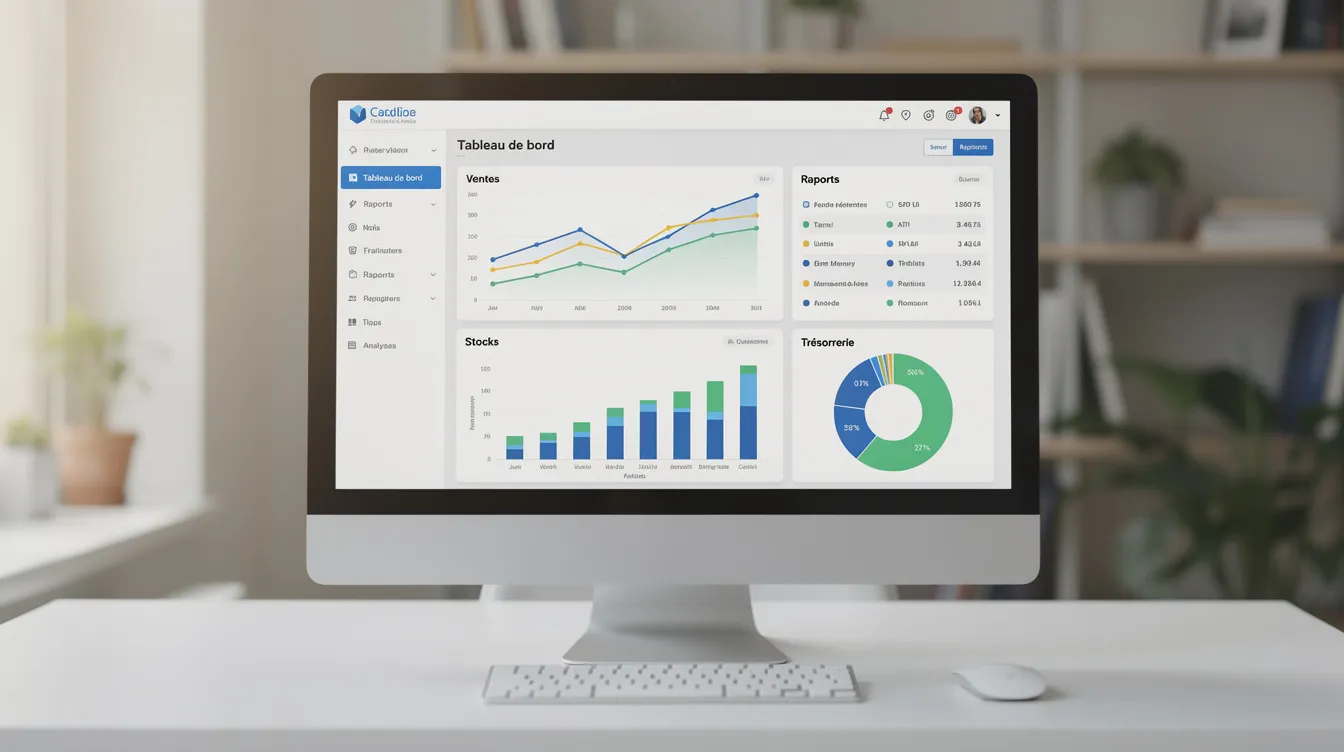
| Dashboards | Real-time steering | Margin, revenue, stock and cash flow indicators |
ERP dashboards let you steer operational performance in real time. The ERP automates tasks such as stock updates: a stock movement is reflected in margin and cash flow indicators. By linking sales and procurement, the ERP helps you control stock and purchasing better, and limit both overstocking and stockouts.
Depending on the industry, some modules become strategic: production and bills of materials for manufacturing, contracts and bookings for rental, shipping and transport management for logistics. Before meeting a provider, list your needs in two columns: what is essential at launch, and what can wait for a later phase.
Criteria for choosing the right ERP software for your SME
An ERP should be chosen according to the company's size and industry. Here are the concrete criteria to guide your choice:
- Business fit. The software must account for your industry's rules as well as local accounting and tax rules. A generic, non-localized ERP may cause problems as soon as you close your accounts.
- Functional coverage. Check that the modules you need exist and are mature, not just announced on a roadmap.
- Interoperability. Your ERP must be able to exchange data with your existing tools: e-commerce site, booking platform, payroll tool, artificial intelligence tools. Available APIs and connectors are a decisive criterion.
- User experience and ease of use. A clear interface, available in your teams' languages (French, Arabic, English), makes training and adoption easier.
- Mobility. Access from a phone or tablet is valuable for field teams and managers on the move.
- Security and compliance. Data encryption, backups and compliance with local personal data protection regulations.
- Quality of support and implementation. Choosing the software cannot be separated from choosing the provider. Support responsiveness, guidance during critical phases and maintenance contracts matter as much as features.
- Pricing model. Assess the total cost of ownership, beyond the initial quote: subscription or license, configuration, data migration, training, upgrades.
Steps to implement an ERP in an SME
An SME ERP project follows a timeline in several phases. Handling each step well limits risk and prepares teams for change.
- Audit and scoping. Map current processes, identify pain points, define success indicators. An IT audit is often a good starting point.
- Requirements specification. Formalize expected features, scope and constraints (local accounting and tax rules, hosting).
- Choosing the solution and the provider. Compare options, check references, confirm local expertise.
- Configuration and development. Configure modules, adapt workflows, build the necessary custom developments.
- Data migration. Clean and migrate existing data (customers, suppliers, items, stock, accounting entries).
- Testing. Functional scenarios, user testing, bug fixing.
- Training. Sessions tailored to each role, user documentation.
- Go-live. Launch in real conditions, with reinforced support.
- Post-launch support. Maintenance, updates, enhancements, additional training.
Start with a manageable scope: for example, invoicing and inventory management. Then add accounting, purchasing and project tracking. A phased rollout limits risk compared with an all-at-once switchover. UnzipTech's method follows this logic: listening to and analyzing needs, designing and validating mockups, agile development with regular check-ins, then delivery, training and follow-up.
Managing change: how to get your teams to adopt the ERP
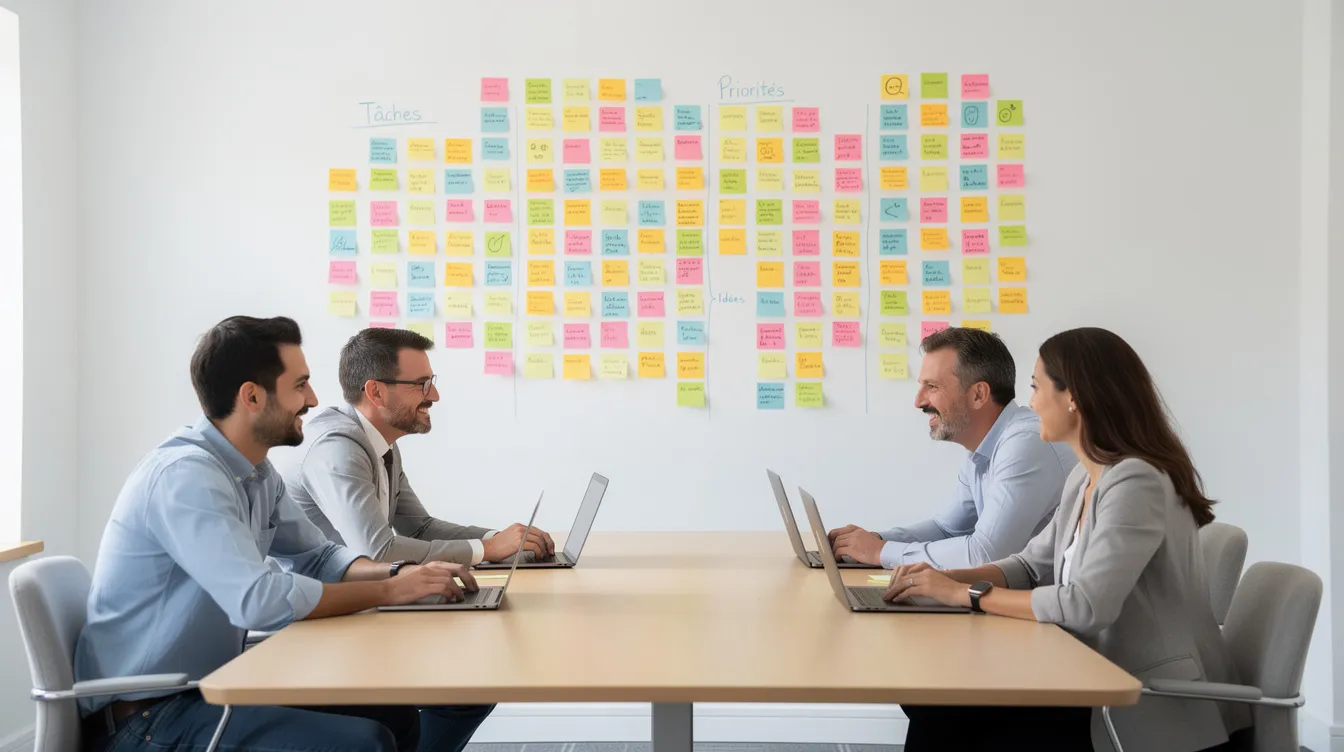
The success of an ERP in an SME depends as much on team buy-in as on the tool itself. Here are the levers that make the difference:
- Communicate early. Explain to each department what the ERP will concretely change in their daily work. No technical jargon: talk about the pain points the tool will solve.
- Involve key users from the design stage. They know the real business rules, the exceptions and the edge cases. They should validate mockups and workflows before development.
- Train in a targeted way. An accountant does not need the same training as a warehouse clerk. Hands-on sessions with near-real data work better than generic demos.
- Appoint internal champions. Each department names a "pilot" who helps colleagues, reports issues and follows up on adjustments.
- Plan close support after launch. The period after go-live is critical. A responsive provider and available internal champions help stabilize it.
UnzipTech includes team training and user documentation with every delivery, so that adoption does not rely on goodwill alone.
UnzipTech: building or adapting an ERP tailored to your SME
UNZIPTECH SARL is a software development and IT consulting company based in Fez, Morocco. Its services cover artificial intelligence, web development, mobile applications, custom software (ERP, CRM, business tools), IT and digital consulting (audit, digital strategy, digital transformation) and SaaS solutions. UnzipTech works with small businesses, SMEs and large companies in Morocco and internationally.
The engagement follows four steps:
- Listening to and analyzing needs
- Designing and validating mockups
- Agile development with regular check-ins
- Delivery, training and follow-up
UnzipTech can design a bespoke ERP or develop business management software connected to the rest of your system: inventory management, invoicing, accounting. The approach is pragmatic: start from what you already have, build what is missing and connect everything in a coherent platform.
To place your project within a broader approach, read our article on digital transformation in Morocco.
Discover our custom software development services.
Budget and hidden costs of an SME ERP project
An ERP is an investment, not just a software expense. Here are the cost items to anticipate:
- Licenses or subscription (depending on the deployment type)
- Configuration and custom development
- Migration and cleanup of existing data
- User training
- Ongoing maintenance and support
- Future enhancements and updates
Return on investment is assessed through administrative time saved, fewer errors, better control of stock and purchasing, and visibility on cash flow. These effects depend on a well-run implementation.
The most common hidden costs: unplanned excessive customization, technical debt in poorly documented code, lack of training (teams work around the tool), and frequent provider changes that force you to start over. To avoid these traps, assess the total cost of ownership, not just the initial quote.
UnzipTech offers a free personalized quote after analyzing your needs, with payment generally split into several phases.
Common use cases: when does an ERP become essential for an SME?
Here are typical scenarios where moving to ERP software for SMEs becomes necessary:
- Trading SME with stock problems. Customer orders multiply, stockouts or overstocking become recurring, real margins are unclear. An ERP links sales to procurement and gives a clear real-time view of each product.
- Services company with poorly tracked projects. Jobs are managed in spreadsheets and each project's profitability is calculated after the fact, often too late. An ERP with a project tracking module lets you steer budgets, time spent and margins continuously.
- Rental business (vehicles, real estate, equipment). Managing contracts, schedules, bookings and invoicing in separate files leads to errors and disputes. Management software that centralizes these flows simplifies everything.
- Multi-site or exporting SME. Several sites, several currencies, customs constraints: without an integrated system, consolidating data quickly becomes a headache. An ERP unifies information and produces consolidated reports.
- Fast-growing SME. Processes that worked with a small team break down as headcount grows. The ERP structures the organization to absorb the increased workload.
Next steps: preparing a first ERP discussion with UnzipTech
Before contacting a provider, gather a few simple items:
- A description of your current processes (even a few lines per department)
- A list of your main pain points (what costs you time, money or reliability)
- Your priorities: inventory management, invoicing, accounting, reporting, other?
- Your budget constraints and your preferred timeline
During a first discussion, UnzipTech seeks to understand your business, your goals and your digital maturity. The aim is to define a realistic scope and propose a step-by-step approach.
Request a free personalized quote after an analysis of your needs. Support does not stop at launch: UnzipTech offers maintenance and support contracts.
FAQ about ERP software for SMEs
What is an ERP, and how does it differ from a simple management tool?
An ERP (integrated management software) covers all of a company's functions in a single system. A standalone management tool (invoicing only, for example) handles one task, with no automatic link to other departments.
Is ERP software for SMEs really suitable for a small business?
Yes, provided you choose a solution sized for your company. A cloud ERP, accessed over the Internet with no heavy infrastructure, suits small organizations well. The key is to start with a targeted scope and expand it gradually.
What determines how long an ERP implementation takes in an SME?
It depends on the functional scope, the number of users and the level of customization. A phased rollout, in functional batches, limits risk and delivers results step by step.
Should everything be deployed at once or in stages?
A phased rollout is recommended. Start with the modules that address your priority pain points, stabilize, then add the next modules.
What is the difference between cloud, on-premise and open source ERP?
A cloud ERP is hosted by the provider, accessed over the Internet, with automatic updates. An on-premise ERP is installed on your servers, under your full control. An open source ERP gives freedom over the code but requires technical skills to maintain.
How does UnzipTech handle training and support after deployment?
UnzipTech trains your teams and provides user documentation with every delivery. UnzipTech also offers maintenance and support contracts.
Can the ERP integrate with my other tools (CRM, e-commerce site, business software)?
Yes, provided the ERP has suitable APIs or connectors. Interoperability is a criterion to validate during the selection phase.
Have a specific question? Contact UnzipTech to tell us about your project.