

Your CRM holds customer records that you retype into your invoicing software. Your online store records orders that someone copies into an ERP. This situation, familiar to many small and medium-sized businesses in Morocco and abroad, has a simple cause: your software tools don't talk to each other.
API integration means connecting your applications (CRM, ERP, invoicing, e-commerce, website, business tools) through their programming interfaces so they exchange data without retyping. For example, an order placed in the online store creates the invoice in the invoicing software. This guide covers the basics, use cases, prerequisites, how to choose an approach, how to scope the project and how to maintain it after go-live.
Why your software doesn't communicate
In many companies, tools pile up over the years: a CRM for sales, an ERP or management system, an invoicing tool, an online store, a spreadsheet that has become "critical". Each one works on its own.
The symptoms are familiar:
- the same customer and supplier records typed into several systems;
- errors in amounts, quantities or references when copying;
- stock levels that differ between the website and the warehouse;
- intermediate files sent by email or messaging apps;
- different figures depending on which department looks at them.
An API integration reduces these silos without replacing all your software.

What is an API, in simple terms?
An API (application programming interface) is a technical contract between two pieces of software. It describes how software A can ask software B to read or write information: a customer record, a product, an order, an invoice.
It works through requests and responses: "give me customer record 123", "create this invoice", "update the stock for this product". Each request follows the format described in the API documentation, and the response comes back in a structured format, often JSON.
You already use APIs without knowing it: signing in to a site with an existing account, built-in online payment, delivery tracking on an online store.
API vs API integration: what's the difference?
- The API is the door a piece of software offers: documentation, access points (endpoints), data formats, authentication rules.
- API integration is the work of actually connecting two or more systems through that door, applying your business rules.
Having an API is therefore not enough: you need to design the exchanges, handle errors, secure access and keep up with version changes.
The most useful use cases for small and medium-sized businesses
- Customers and leads: a website form creates the record in the CRM, then in the invoicing tool.
- Orders and bookings: the online store or booking tool sends orders to the ERP.
- Stock: quantities are updated between the store, the warehouse and the management tool.
- Invoicing: an accepted quote or a confirmed order becomes an invoice in the invoicing software.
- Management reporting: sales, payments and unpaid invoices feed a management dashboard.
- Suppliers: purchase orders and delivery notes are exchanged automatically where the supplier allows it.
Start with the flow that wastes the most time or causes the most errors.
The main types of API
- REST: the most common type in online software. It uses HTTP methods (GET to read, POST to create, PUT or PATCH to update, DELETE to remove) and usually the JSON format.
- SOAP: an XML-based, stricter protocol, still found in some older systems.
- GraphQL: a single access point where the application asks for exactly the fields it needs.
- Webhooks: the software itself notifies another system when an event happens (order created, payment received).
For a business owner, the key point is to check whether each tool offers a documented API and what it allows. The detailed technical choice then belongs to your team or your provider.
Preparing the project: where to start?
- List your tools: CRM, ERP, invoicing, spreadsheets, business software, online store, booking tool, HR tools.
- Map the flows: who enters what, in which order, where the duplicates and manually exchanged files are. A hand-drawn diagram is enough to start.
- Set priorities: the flows that cost the most time or errors, and those that directly affect your customers.
- Define a realistic first scope: a single flow, for example orders between the website and invoicing.
To formalise this scoping, see our software requirements document guide.
Analysing the available APIs: documentation, permissions, quotas
The documentation of each API is the first document to request from the vendor. Check:
- the objects exposed: customers, products, orders, invoices… for reading, writing or both;
- the formats: JSON or XML, examples provided, pagination and filters;
- access rights: technical account, key or token, limited permissions, test environment;
- quotas: number of requests allowed and any fees depending on the vendor's plan;
- versions: update policy and end-of-support announcements for older versions.
Clarify these points before designing a flow, so you don't discover too late that it can't be built.
Existing connector, automation tool or custom development?
- Vendor connector: quick to switch on, but limited customisation of synced fields, frequency or rules.
- No-code automation tool: visual scenarios such as "if an order is created, create the invoice". Accessible, but cost often depends on volume, and complex rules become hard to maintain.
- Custom development: an integration designed for your business rules, security and future changes. It needs more scoping up front.
Many companies combine these options: a connector for standard needs, custom work for sensitive flows such as invoicing. For a wider comparison of the two approaches, read our article on custom software vs off-the-shelf solutions.
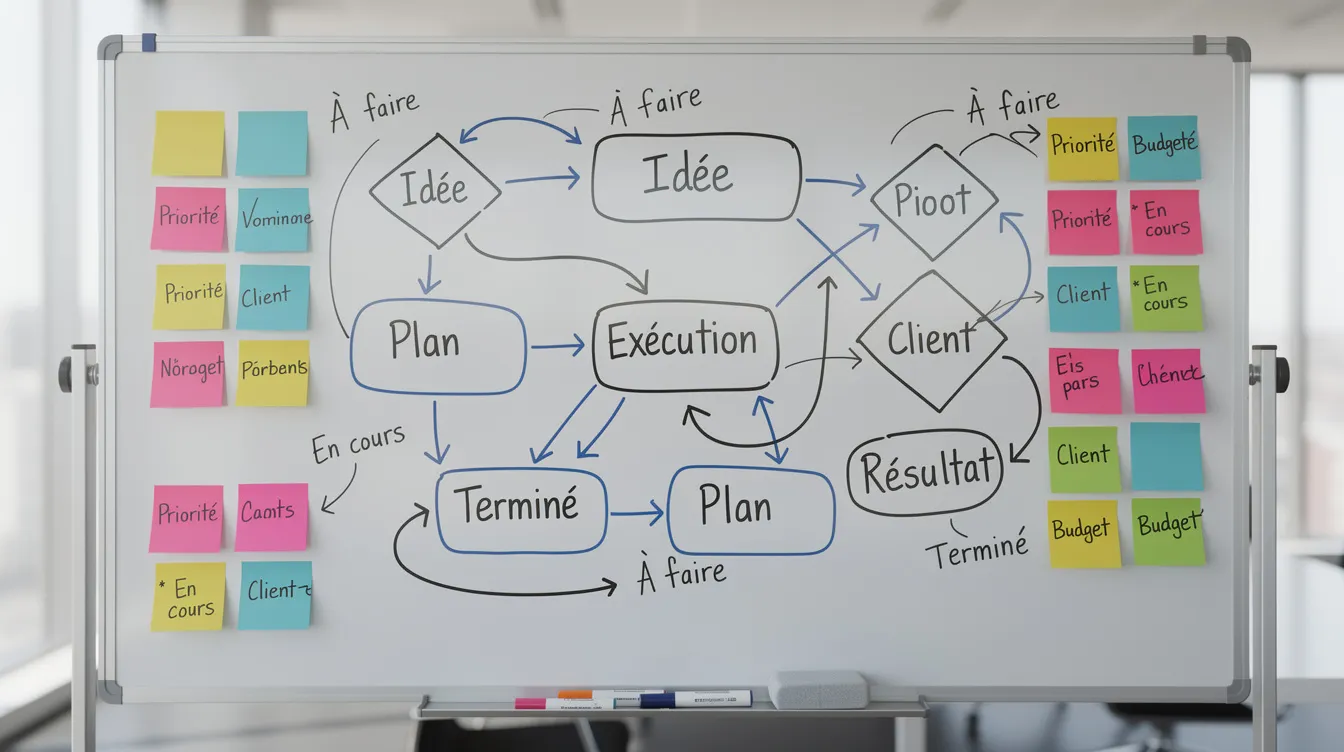
Designing the flows: who sends what, when and how?
Before any development, answer a few questions:
- which system is the reference for the customer record: the CRM or the ERP?
- where is the order created: on the website, in the ERP or in the booking tool?
- when should the data be sent: on creation, on confirmation or on payment?
Synchronisation can go one way or both ways. When it goes both ways, you must decide which system wins if the same record is changed on both sides.
Also plan data transformation: date formats, currencies, VAT codes, and mapping between each tool's fields. Have business teams validate the flow diagram before development.
Security and access management
An integration often handles sensitive data: customer details, contracts, payments, HR data.
- Authentication: API keys, tokens or OAuth, depending on what the vendor offers.
- Least privilege: each access only allows the operations it needs.
- Protected secrets: never write keys in plain text in source code; use secure storage.
- Encryption: exchanges over HTTPS.
- Logging: keep access and error logs so problems can be investigated.
- Personal data: check the rules that apply to your business and your customers, in Morocco and abroad, and only transmit the data that is needed.
Testing, monitoring and maintaining the integration
An API integration is not a one-off project: it lives alongside your software.
- Testing: use the vendor's test environment when there is one, with realistic cases (create, update, cancel) and error cases (API unavailable, quota exceeded, inconsistent data).
- Gradual go-live: closer monitoring at the start and the ability to roll back.
- Monitoring: track successful and failed syncs, delays and recurring errors, with alerts on important flows.
- Recovery: plan to replay failed sends rather than fixing them by hand.
- Vendor changes: follow release notes, test new versions before end-of-support dates, and plan a maintenance budget.
Also appoint a business owner who follows these indicators with the provider.
Getting support from Unziptech
Unziptech is based in Fès and works with companies in Morocco and internationally on web and mobile development, custom software (ERP, CRM, business tools), artificial intelligence, SaaS solutions and IT and digital consulting.
Our four-step process applies to an integration project:
- Listening and needs analysis: inventory of tools and flows, choice of priorities.
- Design and validation: flow diagrams and mock-ups validated with you.
- Agile development: regular check-ins and testing as we go.
- Delivery and training: go-live, training for your teams and documentation.
After delivery, we offer maintenance and support contracts. We provide a free custom quote after analysing your needs, with payment split into several phases. To go further, read our guide on ERP software for SMEs, explore our services or contact us to discuss your first priority flow.

API integration FAQ
Do I need a developer to set up an API integration?
For a simple flow between two applications that already offer a connector, a no-code tool may be enough. As soon as business rules become specific (pricing, multiple sites, currencies, data transformation) or the data is sensitive, involving a developer or a provider is recommended.
How long does an integration project take?
There is no standard duration: it depends on the number of tools, the quality of their APIs, the complexity of the rules and the level of testing. Splitting the project into small batches gets you a first result sooner.
What data can be exchanged through an API?
It depends on what each API exposes: customers, products, prices, orders, bookings, invoices, payments, stock or business events. Ask the vendor for the documentation before committing to a scenario.
Is an API integration reliable over time?
Yes, if the vendor's API is stable, the integration is well designed, and it is monitored and maintained. Without logs, alerts and version tracking, an integration eventually degrades.
Where should I start if I've never done an integration?
List your tools, identify the most painful flow, check with vendors whether an API or connector exists, then scope a small first project. For support, contact Unziptech and ask for a custom quote.