
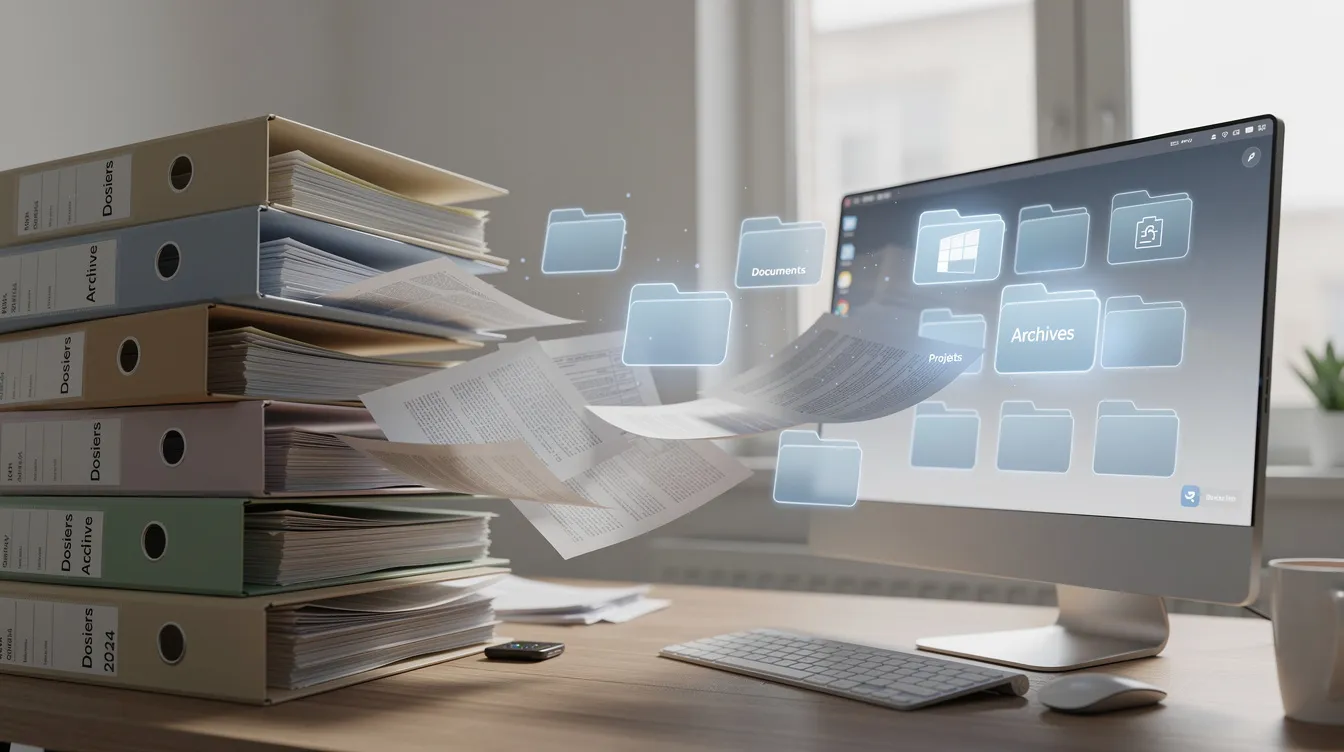
Every day, your teams create, receive, edit and share documents: invoices, contracts, quotes, employee files, internal procedures. Without a shared organisation, this material ends up scattered across email inboxes, network folders, USB sticks and instant messaging apps. The result is lost time, conflicting versions and information that cannot be found when it matters.
Document management software, often called an electronic document management system, addresses this problem. It lets you centralise documents in a single digital space, control access by role, manage versions so there is one reliable reference, automate approval workflows and find any file through advanced search.
This guide follows on from our business intranet guide: the intranet is often the entry point to procedures, templates and internal policies, and document management becomes their reference repository. It is written for leaders and managers of small businesses, SMEs and larger organisations, in Morocco and internationally.
What is document management software?
Document management covers the rules, processes and tools that organise a document throughout its life: capture, filing, storage, sharing, archiving and controlled deletion. Electronic document management is the digital implementation of these processes.
A few notions to distinguish:
- Document management in the broad sense: governance, naming rules, the filing plan and the document lifecycle.
- Document management software: the tool your teams use every day to apply that organisation.
- Enterprise content management (ECM): a broader notion that also includes other content, such as images, videos or web publications.
When properly deployed, document management software becomes the reference point holding the approved version of each business document, accessible from the intranet, the CRM or the ERP. Depending on the need, it can be used online (SaaS), hosted on dedicated infrastructure or installed on the company's premises.
Document types and lifecycle
A document management system can cover very different families of documents. Here are some examples and the typical stages of their lifecycle:
| Document family | Examples | Key stages |
|---|---|---|
| Administrative and HR | Employment contracts, employee files | Creation → HR approval → distribution → archiving |
| Financial | Invoices, purchase orders, accounting records | Receipt or scanning → approval → payment → archiving |
| Sales | Quotes, sales contracts, presentations | Drafting → review → signature → sharing in the CRM → archiving |
| Technical and project | Specifications, acceptance reports | Creation → review → approval → distribution to the project → archiving |
| Legal | Contracts, amendments | Drafting → approval → signature → retention |
| Communication | Brochures, visuals | Design → approval → publication → archiving |
Paper documents can be scanned and made searchable through optical character recognition (OCR), which extracts their text. Version management keeps the history of changes at every stage.
Why set up document management in your business?
The benefits of a document management solution fall into four areas:
Productivity. Employees spend less time looking for or recreating documents, and centralisation limits duplicates.
Reliability. A single reference version, a change history and a log showing who did what and when reduce errors and losses.
Security. Precise access rights and traceability of who viewed what protect sensitive documents.
Collaboration. Teams, on one site or several, work on the same up-to-date documents and follow pending approvals.
Document management also makes remote access easier for multi-site teams, subsidiaries or authorised partners. It is part of a broader digital transformation approach, alongside the business intranet or the ERP.
Key features of document management software
Document management software brings together several functional building blocks covering the whole document lifecycle:
- Capture and scanning: import from email, drag and drop, forms, scanning of paper documents and OCR.
- Indexing and metadata: keywords, business fields (client, department, document type) and a structured filing plan.
- Search engine: full-text search and multi-criteria filters.
- Version management: history, comments and restoring a previous version.
- Access rights: roles, groups and confidential spaces.
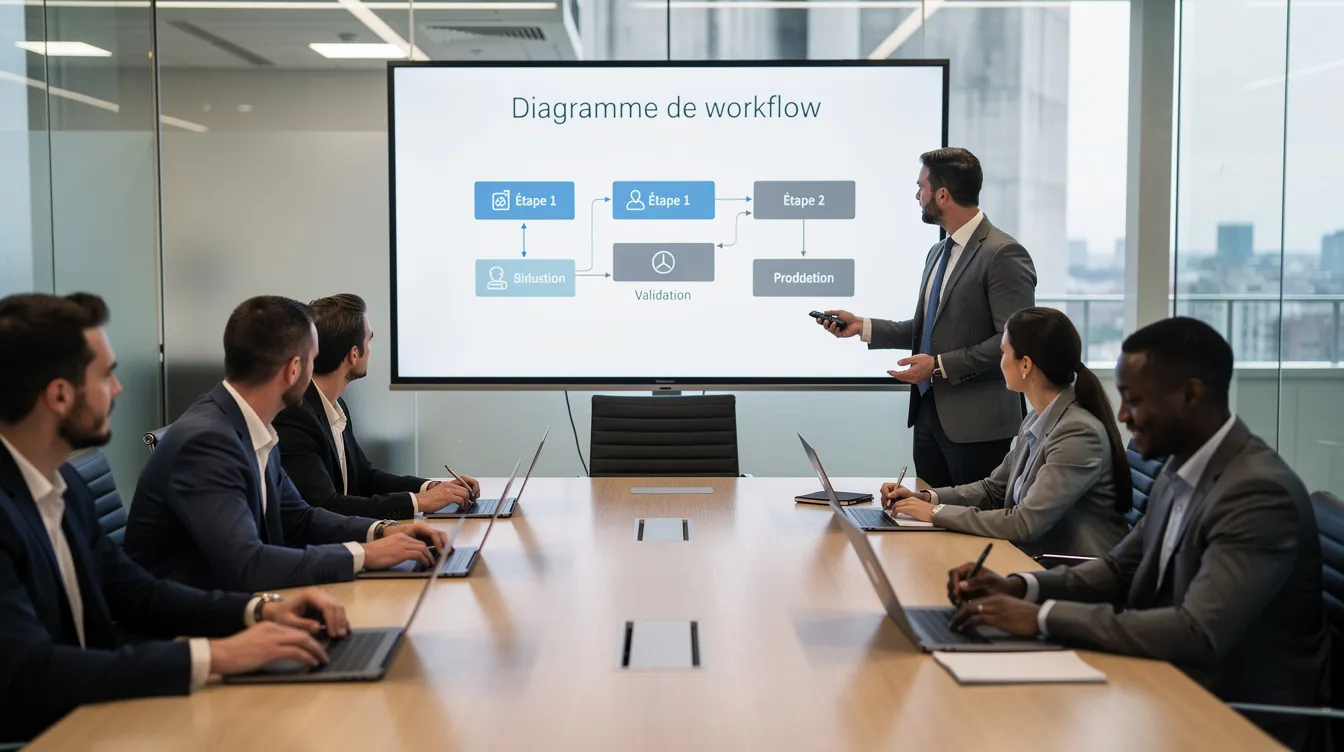
- Approval workflows: circuits for invoices, contracts or internal requests, with notifications and reminders.
- Document templates: standard contracts, letters and reports.
- Alerts: deadlines, pending approvals.
- Mobility: web, smartphone and tablet access to view and approve remotely.
- Traceability: a log of views and changes.
A simple interface remains decisive: a tool that is too complex ends up being bypassed by users.
Checklist: 8 features to check before choosing a document management solution
- Capture and OCR
- Indexing with business metadata
- Full-text and multi-criteria search
- Configurable approval workflows
- Version management
- Precise access rights
- Archiving and retention rules
- Mobile access
Security and document governance
Centralising HR, financial, legal or client documents means putting security at the heart of the project. Three dimensions need to be covered:
- Confidentiality: access rights by role and group, private spaces for sensitive documents, encryption as needed.
- Integrity: protection against unauthorised changes, full history, timestamping and electronic signature where relevant.
- Availability: regular backups and recovery procedures in case of an incident.
The hosting model depends on how sensitive the data is:
| Hosting model | Characteristics | Point to check |
|---|---|---|
| SaaS (online) | Simple access, updates managed by the vendor | Check where and how the data is hosted |
| Dedicated infrastructure | Environment reserved for the company, more control | Define who handles operations and maintenance |
| On premises | Full control, data on site | Requires in-house skills and infrastructure |
Retention and data-protection obligations vary by country and sector, so have them validated by your legal advisers. On the governance side, define naming rules, the metadata framework, retention periods and document owners in each department from the outset.
Off-the-shelf or custom document management software?
Off-the-shelf software is a generic, configurable solution, often SaaS, suited to common needs: filing, search and simple workflows.
Custom software is designed around your organisation's own processes. It can include specific business rules, dedicated forms, workflows across several entities and an interface adapted to how your teams actually work.
The criteria that guide the choice:
- The complexity of your processes and the variety of documents to manage.
- The need for deep integrations with the ERP, the CRM or a client portal.
- Security and data-hosting requirements.
- The internal resources available to administer the tool.
Needs analysis, the first step of the Unziptech approach, is precisely what determines whether an off-the-shelf solution is enough or whether custom development is more relevant.
Integrating document management with your intranet, ERP and CRM
Document management software delivers its full value when it is connected to the company's other tools:
- From the ERP: view invoices, purchase orders and supporting documents without leaving your ERP software.
- From the CRM: display signed contracts and exchanges in the client record of your custom CRM.
- On the intranet: publish the latest approved version of a procedure as soon as it is approved in the document management system.
- Business applications: link employee files, quality procedures or project deliverables.
APIs or connectors make these exchanges possible and reduce re-entering data from one tool to another.
Steps to implement document management software
A six-step roadmap:
- Analyse current practices: map document flows by department, identify pain points (multiple versions, losses, long searches) and list security and archiving requirements.
- Define the scope: choose the first document types to handle (for example supplier invoices or contracts), define their lifecycle, the filing plan and naming rules.
- Choose the solution: write a specification, compare off-the-shelf and custom options, have key users test mock-ups or demonstrations.
- Configuration and integrations: set up rights, workflows and metadata, plan the migration of existing documents and connect the main business applications.
- Pilot, then gradual rollout: start with one or two departments, gather feedback, adjust, then extend.
- Training and support: train users, provide clear documentation and appoint document owners in each department.
These steps match the Unziptech project approach: listening and needs analysis, design and validation of mock-ups, agile development with regular check-ins, then delivery, training and follow-up.
Artificial intelligence and automation in document management
Artificial intelligence can enrich document management software:
- Field extraction from an invoice or contract (amount, date, supplier).
- Classification: identifying the document type on arrival and suggesting where to file it.
- Metadata suggestions based on the detected content.
- Natural-language search, alongside keyword search.
Workflow automation reduces repetitive tasks: sending a document for approval as soon as it is imported, reminders when something is stuck, triggering an action in the ERP or CRM after approval. These results should always remain verifiable by your teams.
Adoption and mistakes to avoid
Technology alone is not enough: a document management project succeeds through governance and user buy-in.
Success factors:
- Involve key departments early (finance, HR, sales, legal, IT).
- Build the filing plan and metadata with end users.
- Run a pilot before the general rollout.
- Keep the interface and rules as simple as possible.
Common mistakes:
- Focusing on the tool without reviewing processes.
- Neglecting training and communication.
- Trying to deploy everything at once.
- Underestimating the migration of existing documents.
Pre-launch checklist:
- Stakeholders involved
- Pilot completed in at least one department
- User training delivered
- User documentation available
- Document owners appointed in each department
- Interface tested by users
- Filing and naming rules communicated
Frequently asked questions about document management software
What is the difference between document management and ECM?
Document management handles the lifecycle of documents. ECM (enterprise content management) is a broader notion that also includes other content, such as images, videos or web publications.
Does document management software replace the file server?
Not necessarily. Document management adds indexing, workflows, access rights and archiving; a file server can remain for temporary needs, but reference business documentation belongs in the document management system.
Can we start with a limited scope, such as invoices?
Yes, this is often a good approach. Starting with a well-defined flow, such as supplier invoices or contracts, lets you test the organisation before extending document management to other documents.
How do you protect sensitive documents?
With role-based access rights, private spaces, encryption as needed and a log of who viewed what.
How does document management integrate with an existing intranet?
Through APIs or connectors: procedures and templates approved in the document management system can be published on the intranet, and a newly approved version replaces the previous one.
Which paper documents should be scanned first?
Those used often, those critical to the business and those whose loss would cause the most trouble for the company.
How do you work with Unziptech on a document management project?
Describe your documents, your users, your business needs and the tools to connect. Unziptech offers a free tailored quote after analysing your needs.
How Unziptech supports you
UNZIPTECH SARL, based in Fez, supports small businesses, SMEs and large companies, in Morocco and internationally, in their digital transformation. Its services cover artificial intelligence, web development, mobile applications, custom software (ERP, CRM, business tools) and IT and digital consulting.
For a document management software project, the approach follows four steps: listening and needs analysis, design and validation of mock-ups, agile development with regular check-ins, then delivery, training and follow-up. Every delivery includes a training session and user documentation, maintenance and support contracts are offered after delivery, and payment is generally split into several phases.
Discover our services or contact us for a free tailored quote after analysing your needs.