
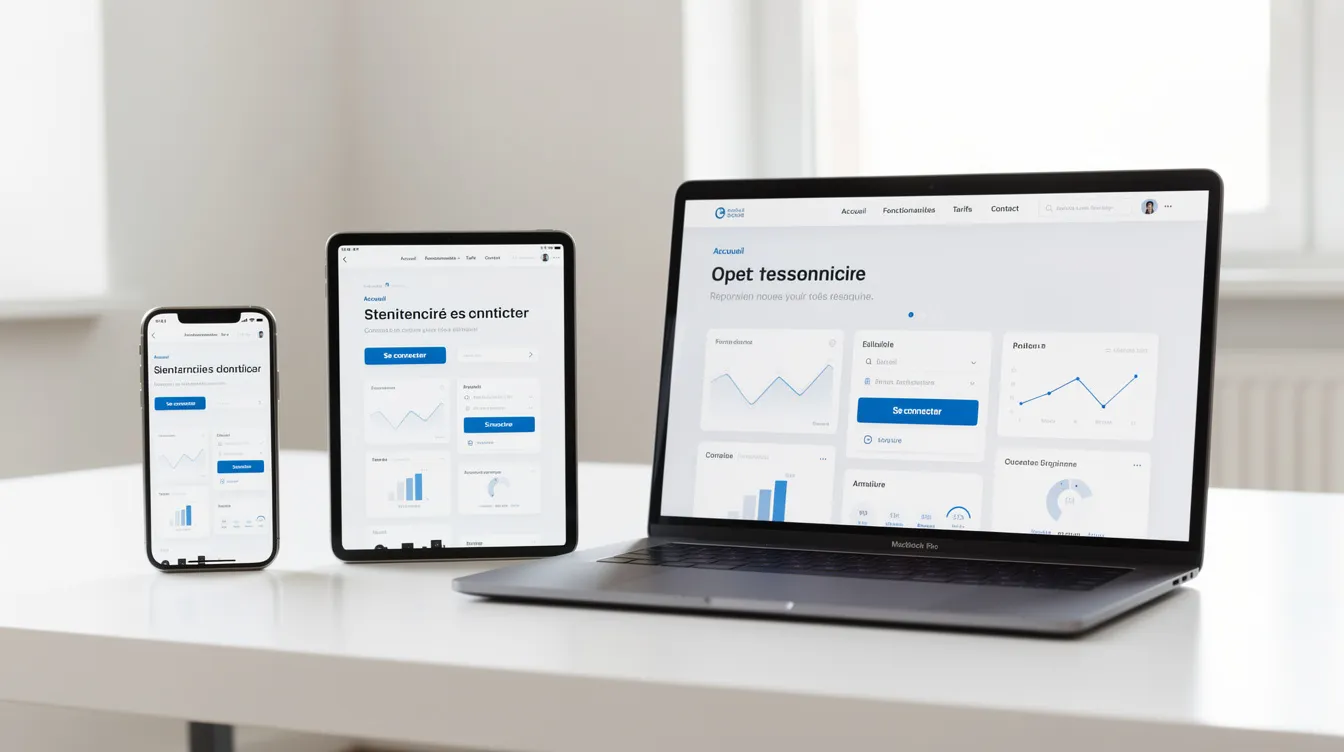
A progressive web app (PWA) is a web application accessed from a browser that users can install on their device's home screen, that can work partly offline and, depending on the platform, send notifications. It is reached through a simple URL, without necessarily going through an app store. This guide is for owners and managers of small and medium-sized businesses who are weighing a website, a PWA and a mobile app: definition, benefits, limitations, use cases and how to scope a project.
It complements our guide to Web application development.
PWA or native app: the quick guide
| Consider a PWA if… | Consider a native app if… | |
|---|---|---|
| Platforms and budget | you want a single codebase for mobile, tablet and desktop | you are willing to build and maintain dedicated versions |
| Access to the service | your users must be able to reach it through a link, without a store | being in the App Store or Google Play is an important channel |
| Hardware | your hardware needs are simple | you need advanced hardware access (Bluetooth, NFC, sensors) |
| Updates | you want to publish updates on the server side | you are building a game, augmented reality or intensive video processing |
Common use cases: customer portal, product catalog, booking platform, lightweight internal tool, mobile-first online store.
Website, web application, PWA, native app: the definitions
The word "progressive" refers to progressive enhancement: the PWA adapts to the capabilities of the browser and the device. Everyone gets a baseline experience, and advanced features (installation, offline mode, notifications) are enabled when the platform supports them.
- Traditional website: pages accessed by URL, which usually require a connection and cannot be installed.
- Web application: a dynamic site with business features (accounts, forms, dashboards), which does not necessarily meet the criteria of a PWA.
- Progressive web app (PWA): an installable web application that relies on a manifest, a service worker and HTTPS to deliver an app-like experience.
- Native app: built for a specific system (iOS or Android), distributed through a store, with the fullest access to the hardware.
- Cross-platform app: a codebase shared between iOS and Android thanks to a framework, published in the stores. To compare these options, see our guide to Mobile app development.
What sets a PWA apart from a website
- Installable: users can add it to their home screen and open it like an app, with no visible address bar.
- Partial offline use: thanks to the cache managed by the service worker, some pages and data remain available without a connection. What is available offline is decided during scoping.
- Notifications: possible depending on the browser and the system. On iPhone and iPad, they require, among other things, that the user has added the app to their home screen; check the exact conditions for your target platforms.
- Search visibility: a PWA is still a website: its pages can be indexed by search engines and its URLs shared.
- Constraints: HTTPS is mandatory, along with an app manifest and testing across several browsers. Available features vary by browser and system.
How it works, without the jargon
- The manifest: a file that describes the application (name, icons, colors, display mode, start page). It is what allows the browser to offer installation.
- The service worker: a script that runs in the background in the browser. It can intercept requests, serve content from the cache and, depending on the platform, receive notifications.
- The cache and local storage: they determine which resources (pages, images, data) remain available if the connection drops. This choice is part of the requirements document.
Other browser features (persistent storage, background sync, clipboard) can be useful, but their support depends on the browser and the system: check it before development for every critical feature.
The benefits for a small or medium-sized business
- A single codebase: the same application works on mobile, tablet and desktop, without separate iOS and Android versions. This can simplify development and maintenance compared with several dedicated apps.
- Access through a link: a link, a QR code or a search result is enough. Users do not have to download the app from a store to get started.
- Optional installation: regular users can install it on their home screen; others use it in the browser.
- Server-side updates: a new version is deployed on the server, without store submission. Plan a service worker update strategy so that users actually receive the latest version.
- Perceived speed: the cache makes it possible to display already-loaded resources faster, provided the design is careful.
- Visibility: public pages remain indexable, which complements your presence on search engines.
The limitations to know before you start
- Variable support: not all browsers offer the same features, and older browsers may offer fewer. Test on the devices your audience actually uses.
- Restrictions on iOS: some advanced features (access to certain sensors, Bluetooth, NFC, background tasks) are limited or unavailable depending on the system version. Check every critical feature.
- No automatic presence in the stores: a PWA does not appear on its own in the App Store or Google Play. Solutions exist for some stores, with their own conditions; if discovery through the stores is essential, a mobile app may be a better fit.
- Little-known usage: many users do not know that a site can be installed. Explain it simply in the interface.
- Heavy use cases: for complex 3D, advanced video processing or permanent background operation, a native app generally remains preferable.
When should you choose a PWA, a native app or a simple website?
A PWA is a good fit for:
- a customer portal, an extranet or an interactive product catalog;
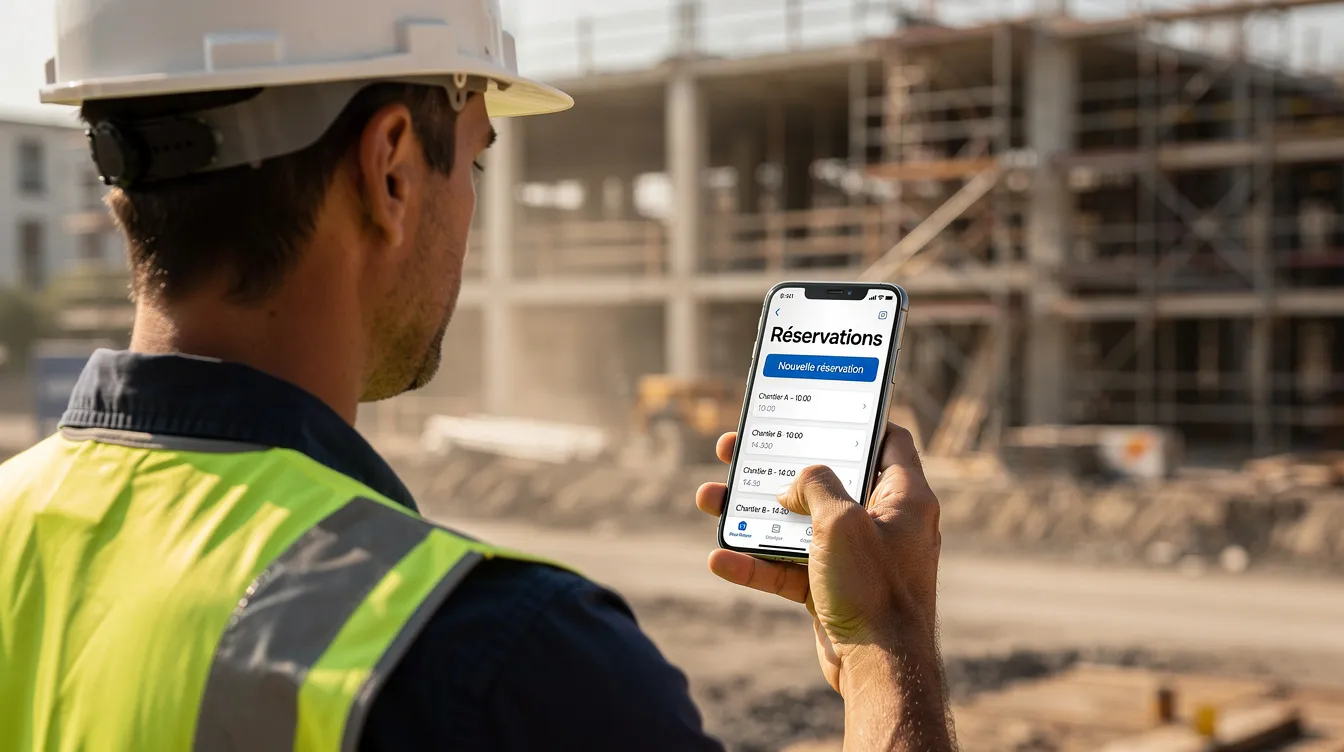
- a booking platform where quick access through a link matters more than a store presence;
- a lightweight internal tool used in the field, including with an unstable connection;
- a mobile-first online store that wants to offer installation to its regular customers.
A native app remains preferable when:
- the project requires advanced hardware access;
- monetization relies on in-app purchases through the stores;
- store visibility is a main acquisition channel;
- the app must run continuously in the background (GPS tracking, audio).
A simple website is enough when you mainly present your business, with no app features or offline use: see our guide to Business website creation.
Questions to ask yourself: how often will your users come back? Are notifications essential on every platform? Does your audience find you through search engines or through the stores? What budget do you plan for development and maintenance?
Scoping a PWA project with Unziptech
The success of a PWA depends on functional scoping, user experience and testing on the targeted platforms. At Unziptech, a project runs in four steps:
- Listening to and analyzing your needs: goals, users, use cases, connectivity constraints, target devices and systems.
- Designing and approving the mockups: user journeys, the choice between a PWA, a mobile app or a traditional web application, and defining what will be available offline.
- Agile development with regular check-ins: manifest, service worker, architecture, testing on Android, iOS and desktop, across several browsers.
- Delivery and training: go-live, training and documentation, then maintenance according to your needs.
The requirements document should specify online and offline features, the notification policy, update management and integrations with your existing tools (CRM, ERP, booking). To write it, see our guide to the Website requirements document. After launch, the application needs ongoing follow-up: see Web application maintenance.
Unziptech works with businesses in Morocco and internationally. We offer a free custom quote after analyzing your project, with payment split into several phases. Discover our services.
UX and technical best practices
- Responsive from the start: the interface must stay clear on mobile, tablet and desktop.
- Signal loss of connection: users should know when they are viewing cached content and when the data is up to date.
- Manage the cache methodically: define what is stored locally, flag content that may be outdated, and plan service worker updates that do not break the current session.
- Test regularly: installation, offline mode, notifications and browser-specific features, on your audience's devices.
- Security: HTTPS, authentication and session management as for any web application; do not store unencrypted sensitive data on the device.
FAQ about progressive web apps
Does a PWA really work offline?
Partly. The service worker can serve cached pages and data. What remains accessible without a connection depends on what was defined during scoping and actually cached.
Can you send notifications to all users?
Not necessarily. Support depends on the browser and the system, and users must accept notifications. On iPhone and iPad, the app must, among other things, have been added to the home screen; check the conditions for your target platforms.
What is the difference between a PWA and a mobile app?
A PWA is an installable web application, partly usable offline and accessible through a link. A native mobile app is built for one system, distributed through a store and has the fullest access to the hardware. The right choice depends on your use cases and your budget.
Do you have to abandon your existing site to create a PWA?
Not necessarily. Depending on its technology and quality, an existing website or web application can evolve into a PWA (HTTPS, manifest, service worker, interface adjustments). A preliminary analysis can confirm this.
How long does a PWA project take?
It depends on the functional scope, the integrations and the target platforms. The timeline is specified in the quote, after the needs analysis.
How is a PWA maintained?
Updates are deployed on the server, without store submission. You still need to follow browser changes, test new versions and maintain security.
How do you integrate a PWA with a CRM or an ERP?
Like any web application, through APIs. Integrations, authentication and access rights must be described in the requirements document.
Not sure whether you need a website, a PWA or a mobile app? Contact Unziptech to analyze your project and receive a free custom quote.