
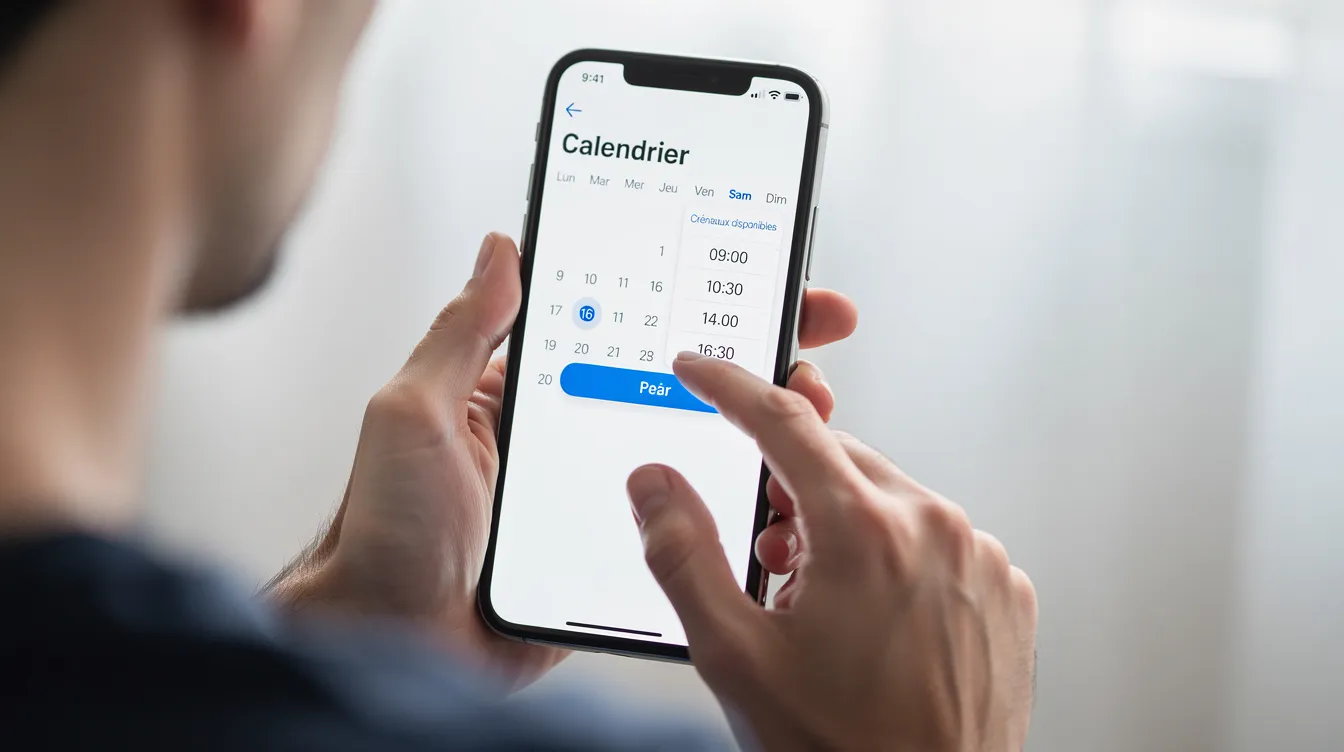
Your customers want to book a time slot, rent a vehicle or sign up for a workshop from their phone, without calling or sending an email. For a small or mid-sized business, handling these requests by hand, across spreadsheets, paper diaries and phone calls, leads to errors, double bookings and forgotten appointments.
Online booking software meets this need by automating appointment booking, confirmations and reminders. Bookings are managed in one place that the whole team can access, and your customers book in a few clicks, including outside your opening hours.
This guide explains what online booking software is for, which features to plan for your business, how to choose between a standard solution and custom development, and how a project with UnzipTech works. It complements our guide to web application development for small and mid-sized businesses.
What is online booking software?
Booking software, also called appointment scheduling software, is a web or SaaS application that lets your customers book services, resources or time slots online, without direct involvement from your team. It works just as well for an individual appointment as for renting a room or signing up for a group class.
It is used in many sectors: hospitality, restaurants, beauty, healthcare, vehicle rental, training and business services. The right tool must meet the specific needs of your business.
There are three main types of use:
- Time-slot booking: your customers book an individual service (consultation, treatment, coaching, technical visit).
- Resource booking: customers reserve a physical asset (meeting room, vehicle, equipment), with availability and inventory management.
- Event booking: registration for a session, workshop, group class or visit with limited capacity.
The principle is simple: the customer views the services on offer, chooses a date and a time slot, enters their details, possibly pays or leaves a deposit, then receives a confirmation. Everything is then centralized in a booking management back office.
How does an online booking system work?
A booking system relies on two complementary journeys, the customer's and the business's, connected by a shared calendar and automations.
On the customer side, the journey takes a few steps:
- Checking availability on a website page or in a mobile app.
- Choosing the service, resource or professional, then an available slot, without waiting for a reply.
- Entering contact details (name, email, phone) and any additional information.
- Paying online or leaving a deposit, if you require one.
- Receiving an automatic confirmation by email or SMS, then reminders before the appointment.
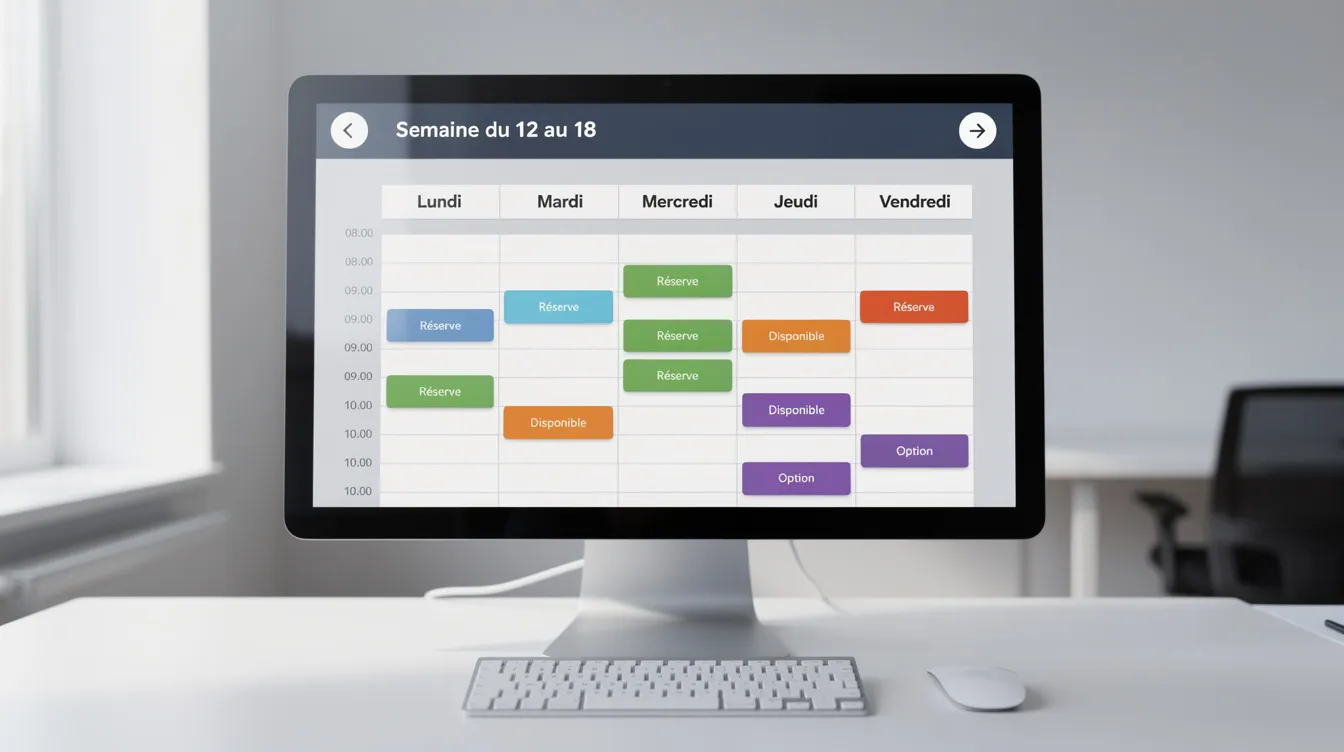
On the business side, the team works from a centralized schedule: daily, weekly or monthly views, a list of upcoming appointments, handling of cancellations and rescheduling, blocked slots (breaks, unavailability), internal notifications and data exports for invoicing or accounting.
The software can also sync with the calendars your team already uses, to avoid availability conflicts. You get a single shared calendar, a full booking history (past, cancelled, no-shows) and basic indicators such as the number of bookings, the occupancy rate and the no-show rate.
The benefits of booking software for your business
The benefits show up on three levels: internal organization, sales activity and customer experience.
- Time saved: fewer calls, confirmation emails and manual changes. Your teams can focus more on service quality than on admin.
- Fewer errors: a centralized schedule limits double bookings and forgotten appointments, and gives better visibility of availability, including for customers in other time zones.
- Fewer missed appointments: automatic email or SMS reminders help your customers remember their appointment. Asking for a deposit on certain services can also secure your payments.
- Better customer experience: booking in a few clicks, a clear summary (date, place, practical instructions), and self-service cancellation or rescheduling under your conditions.
- Better online visibility: a well-placed "Book" button on your website makes it easier to take action. This fits naturally into a business website creation project.
Booking software also helps you make better use of your resources (rooms, vehicles, equipment, staff time slots) and plan your teams ahead thanks to a clearer view of booking volume.
Must-have features of online booking software
Most booking software shares a common core, which you then adapt to your business. Focus on the building blocks that match your activity:
- Shared calendar: availability by day, week or month, per staff member or per resource.
- Multi-user management: roles and permissions so everyone sees the right views.
- Customizable booking form: information relevant to your business (vehicle registration, room type, customer language, documents to provide).
- Resource management: rooms, vehicles, equipment, with inventory and blocking when needed.
- Online payment or deposit: payment at the time of booking, possibly with promo codes or gift cards.
- Automatic confirmations and reminders: by email or SMS, with configurable timing.
- Customer cancellation and changes: according to the rules you set.
- Exports: for accounting, invoicing and analysis.
- Dashboard: number of bookings, fill rate, no-show tracking, revenue by type of service.
- Mobile compatibility: a responsive interface or mobile app, to book from a smartphone and check the calendar on the go.
Also plan for customer management (a mini CRM) and a support channel for customers who run into difficulty. Data security (contact details, history) is an essential criterion: restricted access, strong passwords, regular backups and reliable hosting.
Table of the main feature families
Rather than a brand comparison, use this table to prioritize the features to include in your requirements document.
| Category | Example features | Benefit for the business |
|---|---|---|
| Booking management | Time slots, custom durations, changes/cancellation, waiting list | Handles the flow of requests automatically |
| Resource management | Rooms, equipment, vehicles, inventory, resource blocking | Avoids booking conflicts |
| Customer management (mini CRM) | Customer records, history, segmentation | Better follow-up and more personalized service |
| Online payments | Full payment, deposit, refunds, credit notes, promo codes | Secures payments |
| Automatic communication | Confirmations, reminders, internal notifications, email/SMS | Limits forgotten appointments, reassures the customer |
| Integrations | Website, client extranet, existing CRM/ERP, API | Avoids double data entry |
| Reporting and management | Statistics, fill rate, revenue by service | Helps adjust offers and schedules |
| Business rules | Cancellation rules, notice periods, preparation time, distribution between staff | Reduces manual work |
| Consent and legal information | Legal notices, marketing consent, privacy policy | Builds customer trust |
This table helps you separate what is essential at launch from what can be added as your business grows.
Standard solution or custom booking software: how to choose?
You have two options: ready-to-use SaaS booking software, usually on a subscription, or a solution custom-built around your processes. The right choice depends on how complex your business is.
Standard solution (SaaS):
- quick to set up, with proven features;
- updates handled by the vendor;
- often a more affordable entry cost;
- limits: restricted customization, sometimes difficult integration with your tools, dependence on an external provider.
Custom booking software:
- fine-tuned to your processes (complex business rules, multiple resources, multiple sites);
- deep integration with the website, CRM, ERP or a client extranet;
- evolves at your company's pace;
- limits: a larger initial investment, development time, the need for a reliable technical partner.
For complex needs (multi-resource booking, variable pricing, a very specific customer journey, multi-entity organizations), custom development is often a better fit. UnzipTech can help you decide between these two approaches as part of a web application development project.
Booking software and your digital ecosystem: website, CRM, ERP, extranet
Booking software should not work in isolation. It delivers its full value when connected to your other tools:
- Website: a "Book an appointment" or "Book online" button visible in the header and on service pages.
- CRM: each booking can feed a customer record, enrich the history and make segmentation easier for your follow-ups. Find out what a custom CRM brings.
- ERP: for companies that manage equipment or physical resources, bookings can sync availability and invoicing.
- Client extranet: your business customers view their bookings, request changes and find their invoices in a client extranet.
- Social media: a booking link can be added to your profiles.
Well connected, booking software becomes a real foundation for your digitalization.
A custom booking software project: the steps with UnzipTech
STE UNZIPTECH SARL, based in Fez, develops websites, web applications and iOS/Android mobile apps, custom software (ERP, CRM, business tools) and SaaS solutions. It supports small businesses, SMEs and organizations in Morocco and internationally in their digital transformation.
A custom booking software project runs in four steps:
- Listening and needs analysis: understanding your booking flows, business rules and constraints (multiple sites, languages, online payment).
- Design and mockup validation: customer-side and admin-side screens, booking journeys, rules for displaying slots and the schedule.
- Agile development with regular check-ins: frequent demos, tests on real cases (bookings, rescheduling, cancellations, payments) and adjustments based on your feedback.
- Delivery, training and follow-up: go-live, training for your teams, user documentation, then the option of a maintenance and support contract. Discover our approach to web application maintenance.
A custom quote is prepared free of charge after analyzing your needs, and payment is generally split into several phases tied to project milestones. If your customers mostly book from their smartphone, an iOS/Android mobile app can also be considered.
Scoping checklist for your booking project
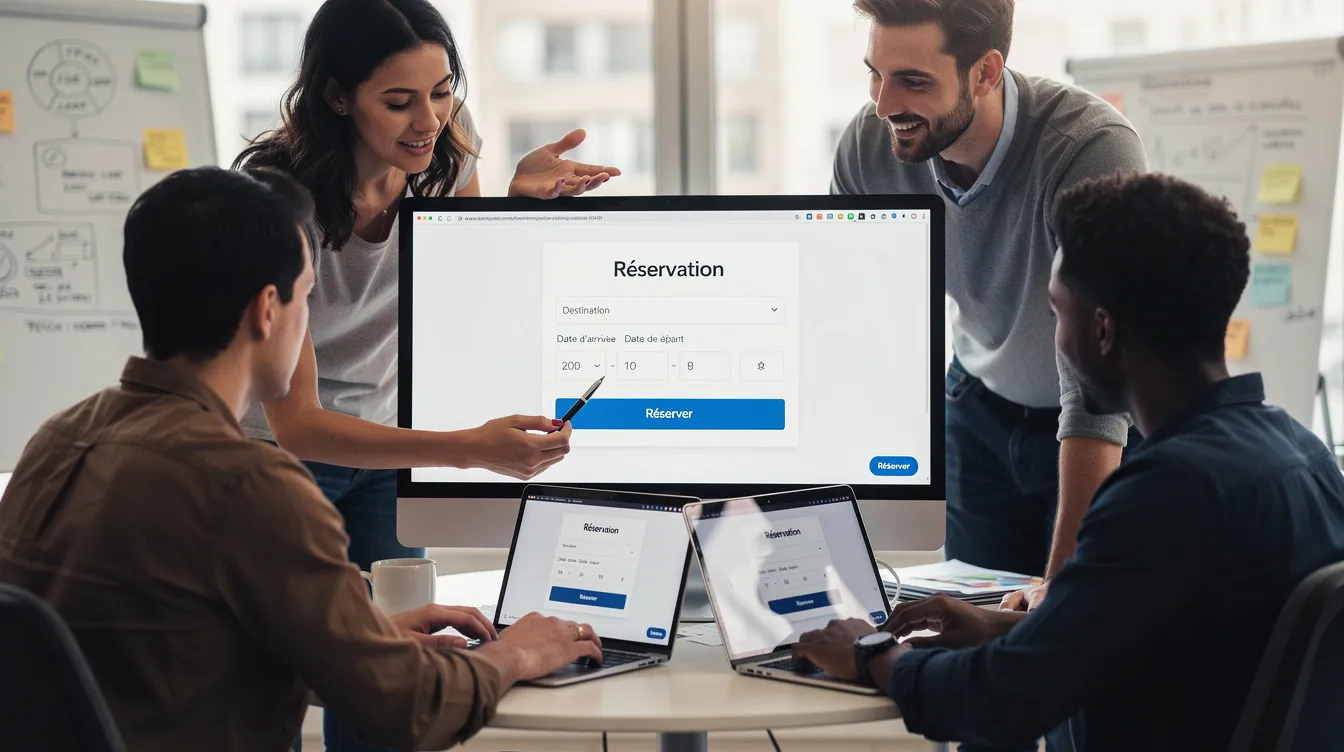
Before choosing software or starting development, answer these questions:
- ☐ Types of bookings: individual appointments, groups, resource rental (vehicles, rooms, equipment), events, tables?
- ☐ Volume: how many bookings do you expect, and how many internal users?
- ☐ Time slots and rules: preparation time between appointments, minimum and maximum booking notice, public holidays, time zones?
- ☐ Information to collect: name, email, phone, company, specific needs?
- ☐ Payment: deposit, full payment at booking, or payment on site?
- ☐ Reminders: email, SMS or both, and when before the appointment?
- ☐ Reporting: which indicators to track, and exports for accounting?
- ☐ Integrations: existing website, CRM, ERP, extranet, external calendars?
- ☐ Security and data: hosting, backups, access management, customer consent?
To go further on method, read our guide to the website requirements document, whose principles also apply to a booking project.
Best practices for a successful rollout
Choosing the tool is not enough: configuration, training and communication with your customers matter just as much.
- Initial setup: configure your services, durations, buffers between appointments, cancellation rules, users and roles. Block public holidays.
- Team training: plan a session for the people involved, appoint a point person and share internal documentation.
- Customer communication: add the booking link to your website, your email signatures and your social media, and let your current customers know.
- Support: provide a channel (email, phone or chat) to help customers who struggle to book.
- Regular review: analyze the indicators, adjust slots to real demand and improve your confirmation and reminder messages.
FAQ about online booking software
How much does custom online booking software cost?
The price is set by quote, after a needs analysis. It depends on the complexity of your business, the features, the number of users, the integrations (CRM, ERP, website), the languages and any mobile app. UnzipTech prepares a free custom quote after analyzing your needs.
What is the difference between an online calendar and booking software?
An online calendar lets you see time slots. Booking software goes further: automatic confirmations and reminders, resource management, payment or deposit, custom forms, business rules and a dashboard.
Can I add online booking to my existing website?
Yes. It can be integrated through a module embedded in your pages or through specific development via an API. If your website is old or poorly maintained, a redesign can sometimes offer a more consistent experience.
How do I handle online payments and deposits?
Payment can be requested at booking (in full or in part) or at the time of the service. The customer goes through a secure payment page, and the payment status is recorded in the booking record.
How do I protect my customers' data?
Define internal roles and access, use strong passwords, encrypt sensitive data, back up regularly, choose reliable hosting and obtain your customers' consent for the use of their data.
Can I connect my booking software to my CRM or an ERP?
Yes, through an API or custom development. Each booking can feed the CRM (customer records, history) or the ERP (resources, invoicing).
Making booking software a lever for your business
Well-chosen, well-integrated booking software simplifies your daily work, improves your customers' experience and lays the groundwork for your digital transformation. Choose it based on your real needs, not on the number of features: the checklist and table in this guide help you define your criteria.
Considering online booking software or a booking platform? Explore our services and contact UnzipTech to request a custom quote.