

Web accessibility is the set of technical, editorial and design practices that let anyone, with or without a disability, use a website or application, whatever device, browser or assistive technology they rely on (screen reader, keyboard navigation, voice control, zoom). Digital accessibility goes further: it also covers business software, PDF documents, intranets and SaaS platforms.
For a small business, an SME or a larger company, an accessible website lets more visitors find information, fill in a form or request a quote without getting stuck. This article is for business owners and project leads in Morocco, France, Belgium or the UAE who want to understand the principles, the priority checks and how to build accessibility into a website creation or redesign project.
What are web accessibility and digital accessibility?
Web accessibility concerns what is published online: websites, web applications and multimedia content. Digital accessibility has a wider scope: internal software, intranets, extranets, downloadable documents and touch interfaces. A website that is accessible to everyone means no one is blocked from navigating or reading by a technical or editorial obstacle.
The situations involved are varied:
- Visual impairment (blindness, low vision): text alternatives, sufficient contrast, compatibility with screen readers and braille displays.
- Hearing impairment: captions and transcripts for audio and video content.
- Motor impairment: navigation without a mouse, by keyboard or with specialised devices.
- Cognitive impairment, learning differences: plain language, clear instructions, predictable interface, limited animation.
- Ageing: resizable text, sufficient contrast, intuitive navigation.
- Temporary or situational limits: an arm in a cast, a phone in bright sunlight, a slow connection, a noisy environment.
The W3C's Web Accessibility Initiative (WAI) publishes the Web Content Accessibility Guidelines (WCAG), the international reference standard on which many national frameworks are based.
Why make your website accessible
Accessibility is about equal access, but it also supports very practical business goals:
- A wider audience: your content stays usable for people with disabilities, older people and visitors in difficult conditions.
- Smoother journeys: clear forms, keyboard-usable buttons and readable contrast remove obstacles on key journeys such as quote requests, bookings or orders.
- A consistent brand image: an inclusive website shows that the company takes all its users into account, which can matter to partners and clients.
- Fewer fixes later: a clear, well-structured site from the design stage limits rework after launch.
For an e-commerce site, a booking platform or a B2B application, every accessibility barrier can stop a user from completing their journey.
Legal framework: check the rules that apply to you
Several countries and the European Union have adopted rules on digital accessibility. Two references often cited for French-speaking businesses:
- In France, Law No. 2005-102 of 11 February 2005 established a digital accessibility obligation for public online services, and the RGAA (Référentiel général d'amélioration de l'accessibilité) is the official framework used to assess compliance.
- In the European Union, the European Accessibility Act has applied since 28 June 2025 to certain products and services, including part of e-commerce, with exemptions and arrangements set by each country.
The exact scope, thresholds, deadlines and penalties depend on the country and the activity. If your business sells or operates in several markets, for example in Morocco and the European Union, have the applicable rules checked by a qualified adviser. Even without an identified obligation, aiming for WCAG 2.2 level AA is a sound technical baseline for your website.
The 4 WCAG principles for an accessible website
WCAG (currently version 2.2) is organised around four principles that non-developers can understand. Level AA is a target often chosen for business websites:
Perceivable: content must be perceivable by everyone. This means text alternatives for images, captions for videos and sufficient contrast between text and background. Example: a company presentation video offers captions.
Operable: every feature must be usable whatever the input device. A user must be able to browse menus, fill in a form or run a search using only the keyboard. Example: a drop-down menu opens and closes with the Tab and Enter keys.
Understandable: information and interface must be clear and predictable. Error messages explain the problem and buttons carry explicit labels. Example: "Request a quote" rather than "Click here".
Robust: code must be correctly interpreted by browsers and assistive technologies. Example: use semantic HTML (nav, button, header) rather than generic div elements.
These principles work as a high-level checklist for steering an accessible website project, even without technical skills.
Making your website perceivable
- Colour contrast: at level AA, WCAG requires a contrast ratio of at least 4.5:1 for body text and 3:1 for large text. Contrast-checking tools let you test your colours.
- Text alternatives: describe what an informative image shows; for an action icon, state its function ("Add to cart"); for a logo, name the company; for a purely decorative image, leave the alt attribute empty.
- Captions and transcripts: provide captions for videos and a transcript for audio content.
- Downloadable documents: an untagged PDF is hard to read with a screen reader. Prefer tagged PDFs or an HTML alternative.
- Zoom and responsive design: the page must stay usable when text is enlarged and on mobile, without losing content.
Making your website operable: keyboard, focus and forms
- Full keyboard navigation: menus, buttons, carousels, filters and forms must work with Tab, Enter, Space and the arrow keys.
- Visible focus: the active element must be clearly shown with an outline or highlight.
- Accessible forms: each field has an explicit label, required fields are indicated, and error messages are understandable and placed next to the relevant field.
- Traps to avoid: modal windows that cannot be closed with the keyboard, unexpected page changes, trapped focus.
- Dynamic components: menus, tabs and sliders follow known ARIA patterns and are tested with assistive technologies.
Understandable content: plain language, structure and readability
- Plain language: short sentences, everyday vocabulary and airy paragraphs, especially on key pages (home, services, FAQ, contact).
- Heading hierarchy: one H1 per page, then logical H2 and H3 headings. This structure helps screen-reader users navigate and makes the page clearer for every reader.
- Explicit links and buttons: "Request a quote" or "Create an account" rather than "Click here".
- Formatting: avoid justified text, which creates uneven gaps; use alignment consistent with the reading direction.
- Multilingual and Arabic content: for a site in French, Arabic and English, declare the language of each page and passage correctly, and adapt the Arabic interface to right-to-left (RTL) reading: menus, alignment, directional icons and forms.
Technical robustness: clean code, ARIA and screen readers
- Semantic HTML: use
nav,header,main,footer,buttonandlabelso assistive technologies understand the structure. - ARIA in moderation: ARIA roles and attributes complement HTML for complex components; they do not replace correct semantic markup.
- Valid code: code that follows W3C standards limits unpredictable behaviour.
- Screen-reader testing: test critical journeys (contact, order, booking, sign-up) with common screen readers such as NVDA or VoiceOver. Automated tools do not detect every problem.
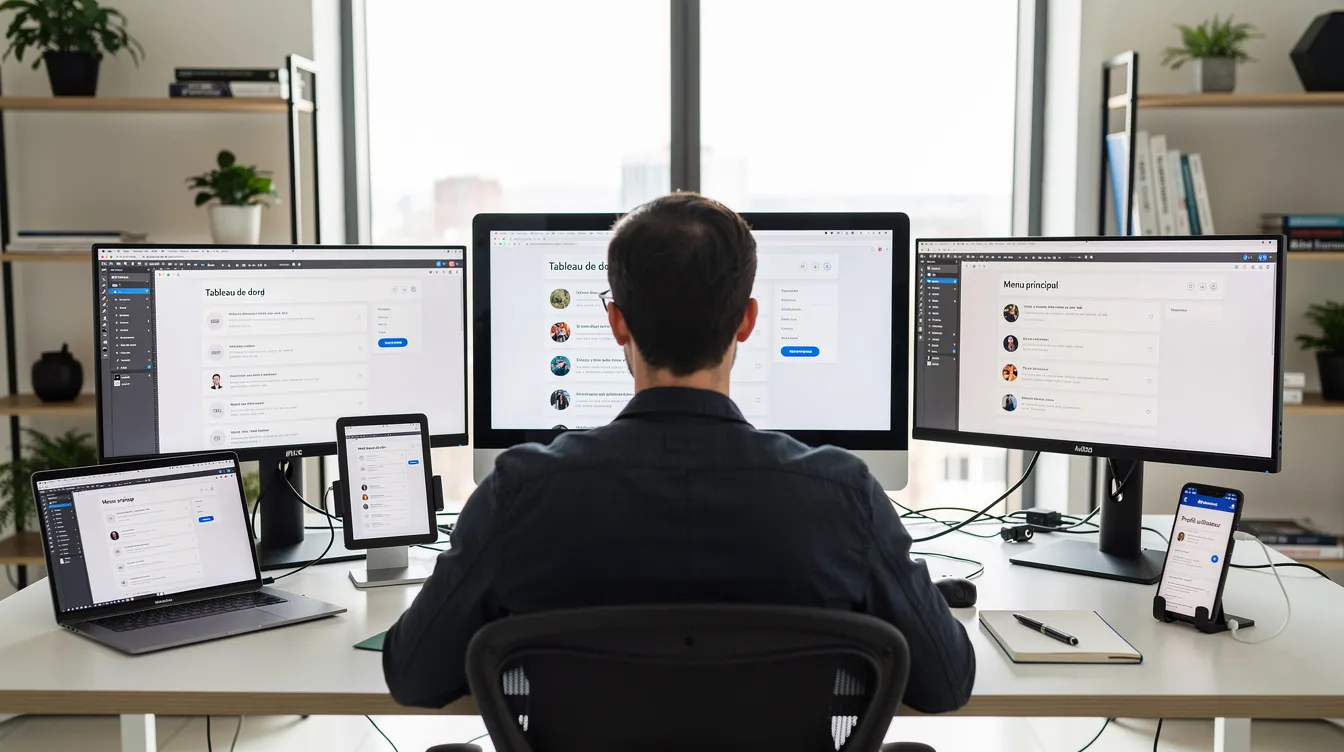
Building accessibility into website creation or redesign
It is easier to consider accessibility from the design stage than to fix a site after launch. Here is how to include it at each step:
- Requirements document: state the target level (for example WCAG level AA) and requirements for keyboard navigation, contrast, forms and multilingual content.
- Design and mock-ups: define font sizes, contrast, focus, error and hover states, logical content order and button labels.
- Development: choose accessibility-friendly components and add checks to automated tests and code review.
- Acceptance testing: check critical journeys with the keyboard and a screen reader before launch.
- Maintenance and training: the team publishing content needs to know the basics (headings, text alternatives, explicit links) so accessibility does not degrade with updates.
For the general steps of a website project, see our guide to business website creation.
How to plan a website accessibility audit
An accessibility audit reviews a representative sample of pages and features against a reference framework, usually WCAG. Its purpose is to identify non-conformities, prioritise them and plan fixes.
- Define the scope: key pages (home, services, contact or sign-up forms, checkout or booking flow, customer area).
- Combine tools and manual testing: automated tools catch part of the problems (contrast, missing attributes, code errors); manual keyboard and screen-reader tests complete the review.
- Involve users where possible, including people who use assistive technologies.
- Prioritise fixes by their impact on important journeys (quote request, booking, payment).
- Monitor over time: include accessibility checks in the maintenance cycle, alongside performance and security.
Accessibility, SEO and quality: overlapping practices
Several accessibility practices overlap with search engine optimisation: a clear heading hierarchy, relevant text alternatives, explicit links and semantic HTML make a page easier to understand for users and for the tools that analyse it. Accessibility does not guarantee rankings, but it belongs to the same quality approach.
How Unziptech can help
UNZIPTECH SARL is a software engineering company based in Fès that designs, develops and maintains web, mobile and business applications for small businesses, SMEs and large companies in Morocco and internationally. In web development, Unziptech builds institutional websites, e-commerce sites and web applications designed to be fast, accessible and well referenced.
A project follows four steps: needs analysis with a free, detailed quote; design with mock-ups validated with you; agile development with a demo at each milestone; and delivery with training and documentation. Quality practices include automated tests, code review and OWASP good practices, and personal data protection follows Moroccan Law 09-08 and CNDP requirements. Unziptech notably designed, developed and maintains RentalMe, a car-rental marketplace in Morocco.
Explore our services or request a free quote to discuss your website's accessibility.
Website accessibility FAQ
What is web accessibility in one sentence?
It is the set of practices that make a website or application usable by everyone, including people with disabilities.
How can I tell whether my website is accessible?
Start with simple checks: navigate using only the keyboard, check contrast, review text alternatives and test a form with a screen reader. A structured audit then lets you go further.
How much does making a website accessible cost?
It depends on the site's current state, the number of pages and journeys, and the target level. The most efficient approach is to build it in from the design stage; for an existing site, an initial review helps estimate the fixes.
Does accessibility also apply to internal tools (intranet, ERP, CRM)?
Yes. Your employees may use assistive technologies or work in varied conditions; the same principles apply to internal applications.
Where should I start?
Review your critical journeys, fix forms, keyboard navigation and contrast first, then set up regular checks.