
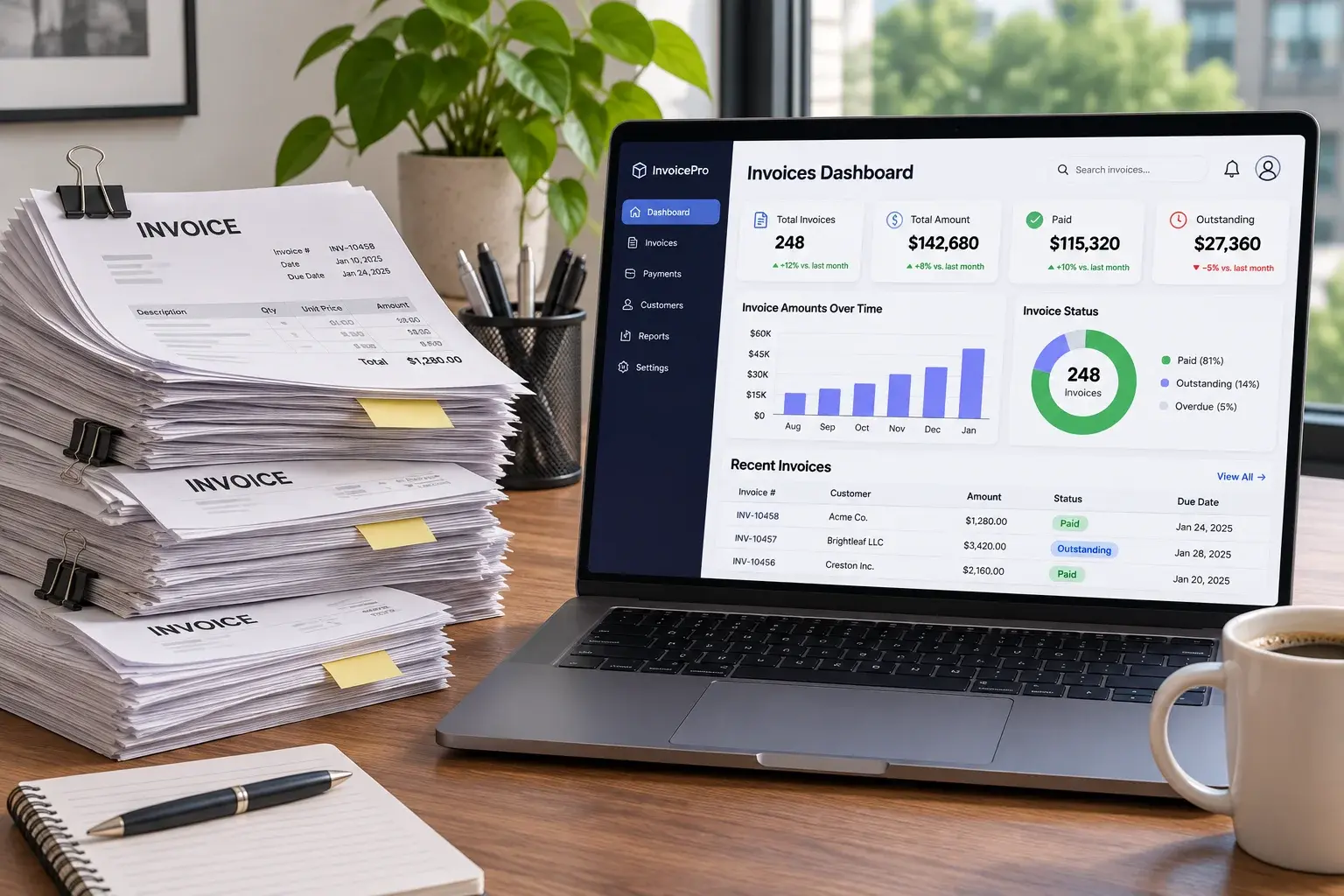
Invoices, purchase orders, contracts, forms and ID documents pass through your teams every day. In many companies their data is still keyed in by hand into a spreadsheet or accounting software. This guide explains how automatic document processing can turn these flows into a more reliable, controlled process integrated with your business tools, even in a small company with limited resources.
Key takeaways
-
Automatic document processing replaces part of manual data entry with a flow: capture → OCR → AI extraction → validation → integration.
-
Intelligent document processing (IDP) combines optical character recognition, machine-learning data extraction, business rules and integration with your ERP, CRM or invoicing tool.
-
The goal is not to remove people: ambiguous or sensitive cases are still validated by a person.
-
The safest approach is to start with a limited pilot, for example supplier invoices, then extend based on measured results.
Manual vs automatic document processing
In many small and mid-sized businesses, reality looks like this: paper binders, printed e-mails, shared Excel files. Each invoice is opened, read and its data copied into accounting software or a spreadsheet.
This manual entry has costs that are often underestimated:
-
time spent on repetitive, low-value tasks;
-
typing errors in amounts, dates or references, which can cause late payments or disputes;
-
bottlenecks during peaks, such as month-end closing;
-
an impact on cash flow when payments or collections are delayed.
By reducing these repetitive tasks, automatic document processing can help reduce operating costs. It replaces these steps with a digital flow: document capture (scan, e-mail, upload), optical character recognition, automatic field extraction, consistency checks, then recording in the ERP or invoicing software. To measure the benefit for your business, estimate your monthly document volume, average entry time and how often corrections are needed. As our guide to business process automation explains, this is often a good starting point.
What is intelligent document processing (IDP)?
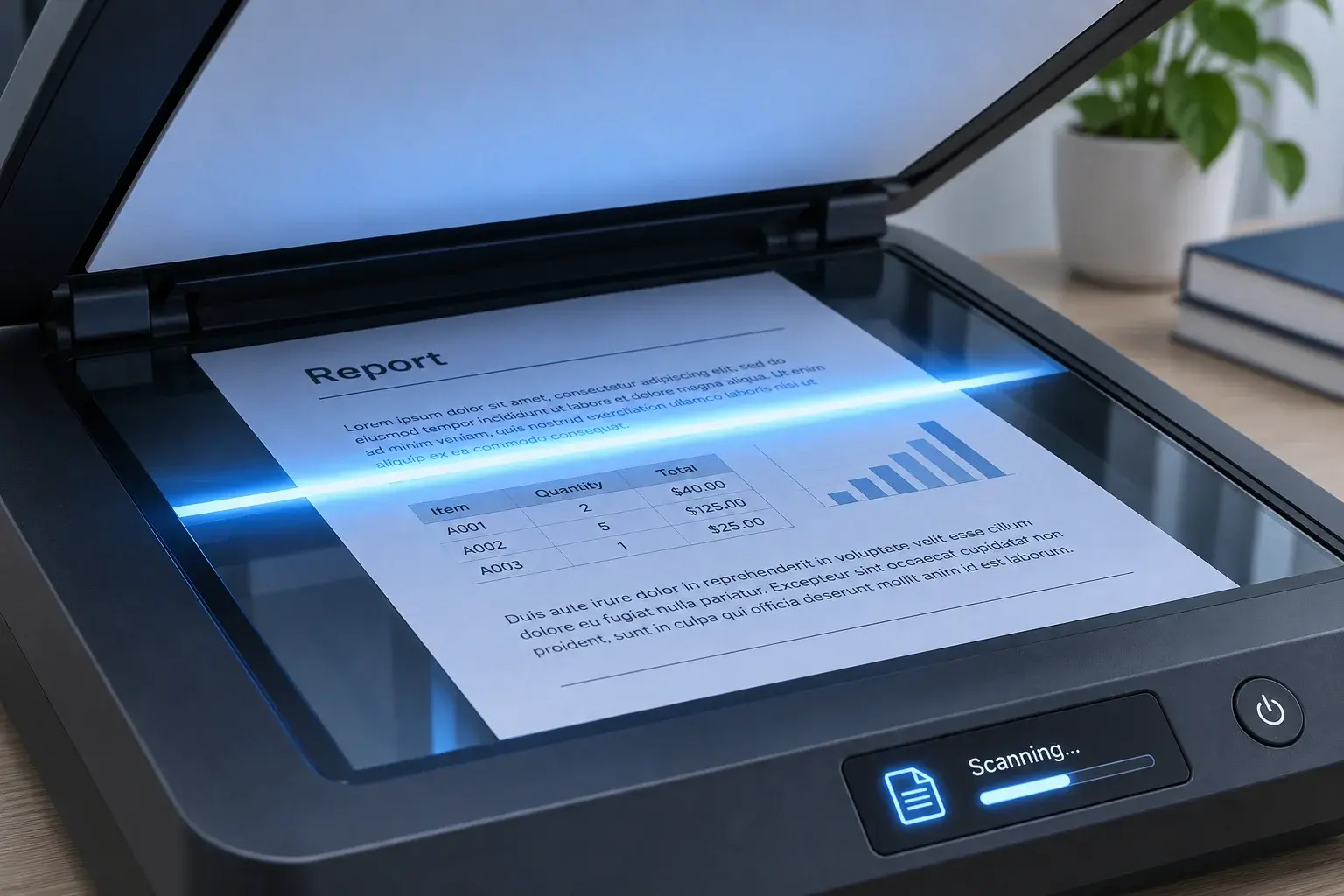
Automatic document processing automates the following steps: read → understand → extract data → check → integrate into business tools.
IDP (intelligent document processing) is the modern version. It combines OCR, artificial intelligence, machine learning and natural language processing to go beyond turning an image into text: identifying a total including tax, telling an invoice date from a delivery date, or automatically classifying the type of document.
Many kinds of documents can be processed:
-
invoices and purchase orders, including scanned PDFs;
-
rental or service contracts;
-
ID documents for opening a customer file;
-
booking forms, transfer orders, receipts;
-
delivery notes and after-sales requests.
The difference from a simple scan or cloud storage is essential: extracted data is fed into your business processes (ERP, CRM, invoicing, HR), for example through an API integration. IDP can handle loosely structured documents, where OCR alone only produces raw text. And unlike RPA, which replays on-screen actions without understanding the data, IDP interprets the content.
The building blocks: OCR, AI and machine learning
Several technologies work together in an IDP system:
-
Optical character recognition (OCR) converts images and scanned PDFs into usable text. Its quality depends heavily on the quality of the source documents. It is a necessary building block, but not a sufficient one.
-
Machine learning learns to spot key fields (invoice number, tax ID, due date, total, customer name) from annotated examples. Human corrections can be used to improve the models over time.
-
Natural language processing (NLP) helps understand context: recognising an "invoice date" even when its position changes from one invoice layout to another, or classifying an incoming document.
-
Computer vision analyses the layout: tables, columns and totals.
-
Image pre-processing straightens and cleans scans or smartphone photos before reading.
IDP does not replace your business rules; it complements them. For example, you can check that the total matches the sum of the lines plus VAT, or that the supplier's tax ID exists in your supplier database. AI handles the variety of formats; the rules guarantee consistency.
Common business use cases
Start with the most repetitive and time-consuming processes:
-
Supplier invoices and purchase orders: capture from a dedicated mailbox, extraction of amounts, VAT and references, then matching against orders recorded in the ERP or accounting system.
-
Rental contracts (property, vehicles, equipment): extraction of parties, start and end dates, rent, security deposit and key terms to feed a CRM or management tool.
-
ID documents and supporting documents: extraction of the fields needed to open a file, with consistency checks and human validation.
-
HR and administrative forms: IDP can help HR teams extract information from CVs and process leave requests, membership forms or documents to index and archive.
-
Logistics and e-commerce: logistics companies use IDP to process shipping documents such as delivery notes, as well as after-sales requests or quotes received by e-mail.
-
Legal: IDP can help automate a first review of contracts (spotting clauses, dates and amounts), always checked by a lawyer.
-
Healthcare: in healthcare, IDP can improve the management of medical records, with stricter confidentiality requirements.
In all these cases, faster file processing can also improve customer satisfaction, because requests no longer wait for manual entry.
Step-by-step plan to launch a pilot
The best way to start is a limited, measurable pilot followed by gradual extension, in the spirit of our roadmap for artificial intelligence in business:
-
Choose a single use case: for example supplier invoices, with enough volume and a clear problem (delays, errors, overload).
-
Map the current flow: how documents arrive (e-mail, WhatsApp, scan, counter), who handles them, which data is entered and in which tools.
-
Define the fields to extract and the validation rules: dates, amounts, tax identifiers, internal references, and the cases that must go to human validation.
-
Design the pipeline: capture → OCR → extraction → business checks → optional validation → integration into the ERP, CRM or accounting system.
-
Prepare a representative test sample: historical documents from several suppliers, formats, quality levels and languages.
-
Run the pilot on a real flow and measure the share of documents processed without intervention, time saved and remaining errors.
-
Decide on extension: new document types or new departments, based on the pilot's results.
Unziptech can support you at each step: needs analysis, design, development with automated tests, integration with your tools and training at delivery. The quote is free and detailed, with a reply within 24 hours.
Which documents, which data, which checks? (table)
| Document type | Fields to extract | Validation points |
|---|---|---|
| Supplier invoice | Supplier, tax ID, invoice number and date, due date, net amount, VAT, total, currency | Total = net + VAT; tax ID exists in the supplier database; duplicate detection |
| Purchase order | Customer, reference, items, quantities, unit prices, total, delivery date | Matching with the invoice; consistent quantities and prices |
| Rental contract | Parties, property or vehicle, start and end dates, rent, security deposit, penalties | End date after start date; amounts consistent with the internal price list |
| ID document | Last name, first name, date of birth, document number, expiry date | Document not expired; consistent dates; human review if confidence is low |
| Payslip | Employee, staff number, period, gross, contributions, net | Matching with the HR master data; consistent gross/net |
| Booking form | Customer, dates, booked item, amount, down payment | Availability in the booking system; date format |
When a field's confidence level is too low or a check fails, the document goes to human review.
Data quality, human validation, security and compliance
-
Confidence score: each extracted field can receive a score. You set the threshold above which data is integrated automatically; below it, the document goes to review.
-
Human validation: the operator sees the original document next to the proposed fields and corrects them if needed.
-
Traceability: keep a record of who validated what, when and with which version of the processing.
-
Security: encryption of data in transit and at rest, role-based access control, hosting suited to your requirements. Our guide to cybersecurity for SMEs covers the basics.
-
Data protection: check the applicable personal-data rules (Moroccan regulations, and the GDPR if you process data of people located in the European Union) with your legal adviser.
-
Retention: limit how long you keep documents and the data used to improve the models.
Integration with your ERP, CRM and invoicing tools
Most of IDP's value comes from integration with your information system. The choice of connectors depends on your tools, whether it is an ERP for SMEs or invoicing software.
-
REST APIs to push data to the ERP, CRM or accounting system.
-
Structured files (CSV, JSON, XML) for batch processing.
-
Webhooks to trigger actions: invoice validated, contract recorded, incomplete file to follow up.
Examples: automatic matching of an invoice with a purchase order, updating a contract's status in the CRM, a dashboard of pending invoices. Before starting the project, an IT audit helps identify possible integration points.
Checklist before launching an IDP project
-
☐ Priority use case defined (document type, volume, objective)
-
☐ Sources and formats listed (paper, PDF, scans, e-mails, photos)
-
☐ Fields to extract and checks listed for each document type
-
☐ Systems to integrate identified (ERP, CRM, invoicing, accounting, HR) and entry points (API, imports)
-
☐ Pilot user and business validator appointed
-
☐ Representative test sample prepared
-
☐ Security and data-protection requirements clarified with IT and legal
-
☐ Realistic schedule: scoping, development, testing, training, pilot
FAQ about automatic document processing
Is OCR enough, or do I need intelligent document processing? OCR alone turns an image into raw text without understanding its structure. IDP interprets the content, extracts the useful fields, checks them against your rules and integrates them into your tools.
At what volume does automatic processing become worthwhile? It depends on the time spent, the cost of errors and how regular the formats are, not only on volume. A pilot on a specific flow lets you measure the real benefit before going further.
Do I need to replace my ERP or accounting software? Not necessarily. IDP usually complements existing systems through APIs or imports. To choose between custom development and an off-the-shelf product, see our guide to custom software.
How much human intervention will still be needed? It depends on document quality, the variety of formats and the level of control you want. You set the validation policy; hard-to-read or sensitive documents are still reviewed by a person.
How do I protect my customers' and employees' data? Encryption, access control, suitable hosting, limited retention and compliance with the applicable data-protection rules, to be checked with your IT lead and legal adviser.
How can Unziptech help? Unziptech, a team of engineers based in Fez, designs, builds and maintains web, mobile and business applications, and builds AI into your tools: task automation, assistants and data analysis. The approach follows analysis, design, development with automated tests and delivery with training. Contact us for a free, detailed quote, with a reply within 24 hours.