
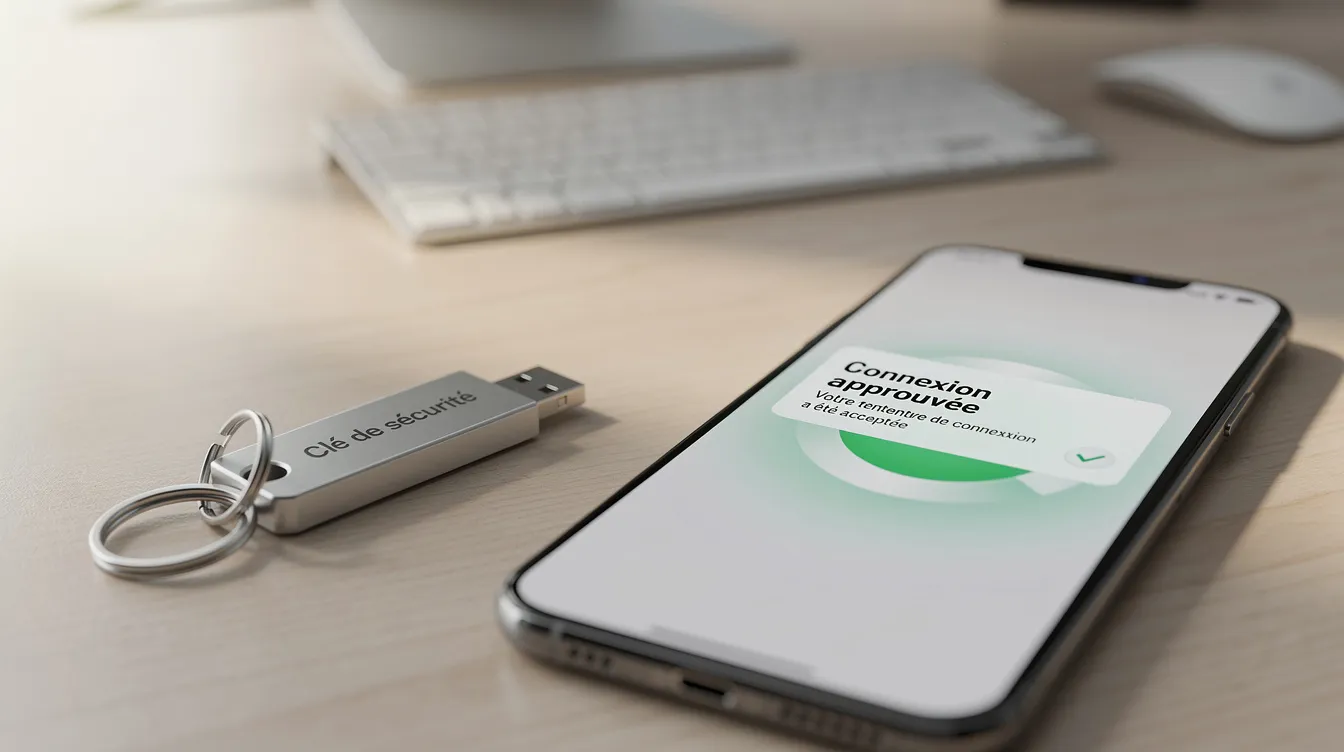
Multi-factor authentication (MFA) means asking for a second proof of identity of a different kind, in addition to the password, before opening an account. That way, a stolen password is no longer enough on its own to sign in. This guide is written for owners and managers of small businesses and SMEs with no dedicated security team: it explains where to enable MFA first, how to compare the methods and how to organize a step-by-step rollout without disrupting the business.
Understanding multi-factor authentication
Multi-factor authentication requires at least two factors belonging to different categories:
- Something you know: a password, a PIN code.
- Something you have: a phone, a physical security key.
- Something you are: a fingerprint, face recognition.
Using two passwords, or two codes sent to the same place, does not count as two factors: the proofs must be of different kinds.
A concrete example: an employee opens their business email. They enter their password, then approve a notification on their phone. If an attacker obtains the password, they still lack the second factor needed to sign in.
MFA, 2FA or two-step verification? Two-factor authentication (2FA), also called two-step verification, is a specific case of MFA limited to two factors. In everyday business language, the terms are often used interchangeably; what matters is having at least two factors of different kinds.
Why passwords are no longer enough
In many small organizations, the same credentials are reused across several services, written down in an unprotected file or sent by email between colleagues. A password on its own is exposed to several common techniques:
- Phishing: a fake login page imitates your provider's page and captures the credentials entered.
- Data breaches: credentials from old breaches circulate and are tried on other services.
- Keylogging: a compromised computer can record what is typed on the keyboard.
- Automated attempts: weak or common passwords are tested in bulk.
For an SME, the consequences hit the business directly: access to management's mailbox, altered invoices, customer data being viewed. MFA does not remove these risks, but it significantly reduces the reach of a compromised password. It complements the other measures described in our guide to cybersecurity for SMEs.
The main multi-factor authentication methods
Any method is better than having no second factor, but they do not offer the same level of protection or the same convenience. The table below compares them qualitatively; the right choice depends on your tools, your teams and how sensitive the accounts are.
| Method | Protection against phishing | Ease of use | Points to watch | Typical uses in an SME |
|---|---|---|---|---|
| Code received by SMS | Limited | Familiar, nothing to install | Depends on the phone number and the mobile network | Backup option, low-sensitivity accounts |
| Authenticator app (temporary codes) | Better than SMS | Good, works offline | Plan for a changed or lost phone | Email, cloud tools, business applications |
| Notification to approve on the phone | Varies by solution | Fast | Risk of approving an unsolicited request out of habit | Frequent sign-ins, mobile work |
| Physical security key | High | Requires carrying the key | Purchase of the keys, spare key to plan for | Administrator accounts, finance |
| Device biometrics (fingerprint, face) | Depends on how it is integrated | Very convenient | Tied to a specific device | Mobile applications, frequent access |
| Backup codes | Not applicable (occasional use) | Exceptional use | Keep in a safe place, away from the computer concerned | Recovery when the second factor is lost |
SMS codes rely on the phone number, which can be hijacked through the carrier; that is why they are better kept as a backup when other methods are available. Physical security keys check the website's address before responding, which makes them particularly resistant to fake login pages.
Where to enable MFA first in an SME
Start with the accounts whose compromise would have the greatest consequences:
- Privileged accounts: management, administrators of cloud tools, finance and HR managers.
- Business email: it is often used to reset the passwords of other services, which makes it an entry point.
- Critical business tools: ERP, CRM, accounting software, invoicing, online store.
- Remote access: VPN, hosting administration consoles, access to file servers.
- Supplier and partner accounts: payment services, advertising accounts, sensitive integrations.
Then move forward gradually: a first group of critical accounts, then all employees. An IT audit helps you draw up the list of accounts and accesses that are actually in use.
Organizing the rollout without disrupting the business
A successful rollout depends as much on organization as on technology. Here is a checklist to follow with your team or your service provider:
- Inventory: list the accounts (email, administration, ERP/CRM, platforms, cloud services) and who is responsible for each.
- Classification: separate highly sensitive accounts (management, finance, HR, administrators) from operational accounts.
- Choice of methods: define a default method, a stronger method for privileged accounts and a backup method.
- Limited pilot: enable MFA for a small group to spot friction points before rolling it out widely.
- Support: explain the concrete benefit, provide an illustrated mini-guide and plan for help during the first sign-ins.
- Special cases: employees without a smartphone, refusal to install an app on a personal phone, shared computers.
- Lost or stolen phone: define who to contact, how to verify the requester's identity, and register a second method or backup codes from the start.
- Shared accounts and service accounts: favor named individual accounts, put rules around the remaining shared accounts and handle non-interactive technical accounts separately.
- Accesses that bypass MFA: check legacy sign-in methods, third-party integrations and API access.
- Monitoring: regularly check which accounts still have no second factor, especially after someone joins or leaves.
MFA protects access to accounts; it replaces neither updates nor business data backup.
Integrating MFA into your web, mobile and custom software applications
If your company runs a customer portal, a mobile application or custom business software, MFA applies to these tools too. The integration can rely on an identity provider, on standard authentication protocols or on a module developed for the application.
A few common situations:
- Customer portal or customer area: protect administration accounts and the back office first.
- Field mobile application: rely on device biometrics to limit friction.
- Custom ERP or CRM: require the second factor for sensitive modules (finance, HR).
To preserve the user experience, it is possible to ask for the second factor again only in certain contexts: a new device, a sensitive action, an unusual sign-in. These rules are decided at the design stage, with the business managers.
Multi-factor authentication FAQ
Will multi-factor authentication slow my teams down?
It adds one step to signing in. Depending on each service's settings, the second factor may only be requested again on a new device or for a sensitive action, which limits the day-to-day inconvenience.
MFA, two-step verification, 2FA: are they the same thing?
2FA, or two-step verification, refers to exactly two factors. MFA includes 2FA and can go beyond it. In practice, the terms are often used interchangeably.
Should MFA be enabled on every account?
Start with the critical accounts, then expand gradually. Administrator accounts and email should not be left without a second factor.
What if an employee refuses to install an app on their personal phone?
The request is legitimate. You can offer a physical security key, a work phone or another method supported by your tools.
How do you plan ahead for a lost phone?
Register several methods per user from the start, keep backup codes in a safe place and define a clear unlock procedure, including verification of the requester's identity.
Is MFA only for large companies?
No. Many online services used by small businesses and SMEs offer an MFA option in their settings. The terms and any conditions depend on each provider: check them in your administration console.
How can we check that our sensitive accounts are protected?
Review the users in the administration consoles of your tools, delete the accounts that are no longer used and identify those with no second factor.
Setting up MFA with UnzipTech
Multi-factor authentication is an accessible measure for strengthening the security of an SME's accesses: above all, it requires an inventory of accounts, clear priorities and support for users.
UnzipTech, an IT consulting and development company based in Fez, designs custom software, websites and mobile applications, and supports businesses with IT and digital consulting. Our projects include a free personalized quote, training and documentation on delivery, as well as maintenance contracts. Discover our services or contact us to discuss securing your accesses.