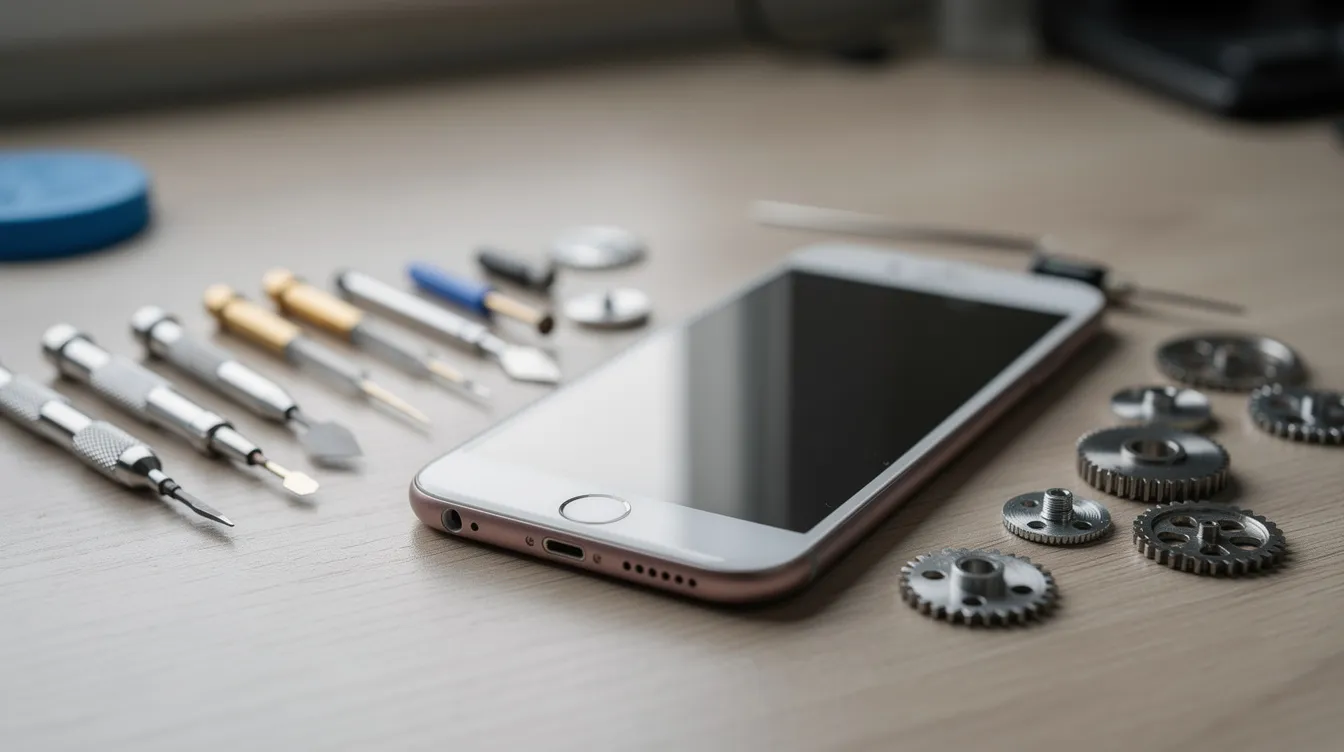
Your mobile app is live on the stores, the first users are downloading it and feedback is starting to arrive. This is the moment mobile app maintenance needs to begin. This guide is for business leaders, project managers and decision-makers in small businesses, SMEs and larger organisations, in Morocco and internationally, who want to understand why and how to organise that maintenance, without unnecessary jargon.
Why your mobile app needs maintenance from launch
Maintenance starts when the app goes into production, not on the day "something breaks". Without planned maintenance, several risks appear:
- Users abandoning the app when it crashes or freezes.
- Negative reviews on the stores after a crash during payment, a frozen screen or a form that will not submit, visible to your future customers.
- An impact on the business: orders, bookings or field-team reports that no longer go through.
Unlike a simple brochure website, a mobile app depends on several layers: the operating system (iOS, Android), Apple's and Google's stores, the back end and its APIs, the database and third-party services. Each of these layers changes, and without maintenance the app eventually falls out of step. For example, an internal app can start crashing on some phones if its libraries are not updated, or become slow if the back end is not looked after.
What is mobile app maintenance?
Mobile app maintenance is the set of actions carried out after go-live to preserve the app's reliability, performance, security and evolution. It includes fixing bugs, optimising performance, monitoring, updates related to the technical environment and small functional improvements.
Two useful distinctions:
- Maintenance ≠ redesign. Maintenance fixes, adapts and improves without radically changing the product strategy or architecture. A redesign is a new project.
- Maintenance ≠ a one-off release. Publishing a version to the stores is a time-limited action; maintenance is ongoing.
It covers both the app itself (iOS, Android, native or cross-platform) and what happens on the server side: APIs, database, hosting and integrations.
The 4 types of mobile app maintenance
Four types of maintenance are generally distinguished. Knowing them helps you understand where the effort goes and why some work takes priority.
| Type | Goal | Trigger | Examples |
|---|---|---|---|
| Corrective | Fix bugs after go-live | Reported crash, failing feature | Crash during payment, unresponsive button |
| Preventive | Avoid future problems, reduce technical debt | Outdated library, vulnerable dependency | Planned library updates, code clean-up |
| Adaptive | Adapt the app to external changes | New iOS or Android version, API change, new store rule | Adjusting permissions, adapting to a new system version |
| Evolutive | Improve the experience and add small features | User feedback, business need | Simplifying a form, improving a user journey |
Corrective maintenance is the most visible, because it responds to malfunctions that users or teams report directly. Evolutive maintenance is often driven by store reviews and requests received by support. Maintenance is therefore not just "fixing what breaks": it is also how the product evolves.
Mobile vs web maintenance: what changes
If your company runs both a website and a mobile app, maintenance may seem identical. In reality, mobile adds constraints:
- Testing on several devices and operating-system versions, not just browsers.
- Submitting each new version to the stores, with a review process by Apple and Google.
- Managing mobile libraries, push notifications and permissions (camera, location, contacts).
- Adapting to new versions of iOS and Android.
Example: your website and your app share the same back office. On the web side, a back-end update is deployed and the job is done. On the mobile side, you also need to check compatibility with the app, build a new version, test it, submit it to the stores, wait for approval and then follow feedback after release.
For the web side, see our web application maintenance guide.
What maintenance changes day to day for a business leader
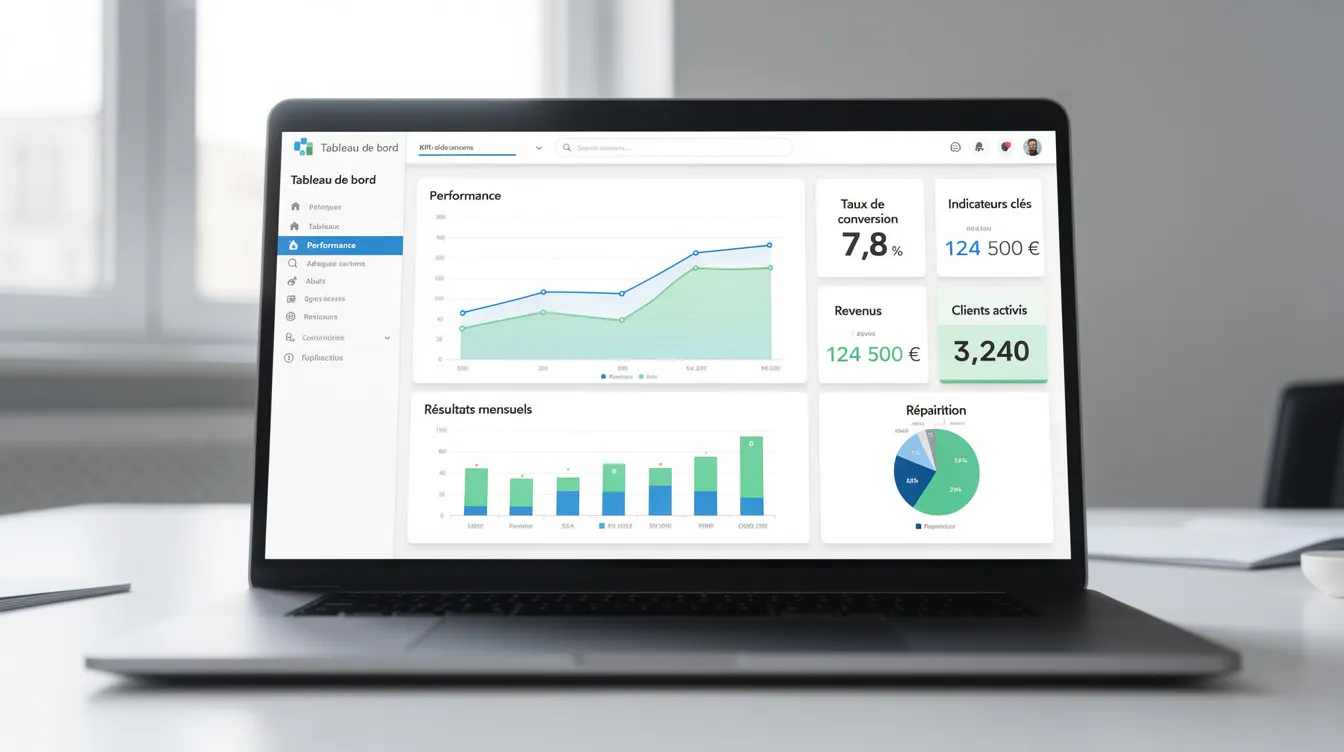
A business leader does not see the lines of code that change: they see results in how the company runs. Well-run maintenance means fewer support requests about visible bugs, an app that stays available during your busy periods, and journeys (ordering, booking, forms) that complete successfully.
Simple indicators to track:
- The rate of crash-free sessions.
- The average store rating and what reviews say.
- The time taken to fix critical bugs.
- The number of active users and uninstalls.
- Perceived performance: launch time, response time, battery use.
How much does mobile app maintenance cost?
There is no universal price: the budget depends on your app. The more complex it is (number of features, external integrations, user volume, range of target devices), the more time and skills maintenance requires.
The main cost items to plan for:
- Mobile development time (iOS, Android or cross-platform) and back-end development.
- Design work for small interface changes.
- Testing on different devices and system versions.
- Project coordination.
- Infrastructure: hosting, third-party services, certificates.
- Support and communication with your teams.
What matters is matching the level of coverage to how critical your app is. At UnzipTech, pricing depends on the project's complexity, the technologies used and the desired timeline, and we provide a free tailored quote after analysing your needs.
Organising updates on iOS and Android
Apple and Google regularly release new versions of their systems. Testing them early lets you anticipate incompatibilities before your users are affected.
How to anticipate:
- Test the app on new system versions as soon as they are available to developers.
- Adapt the code to new APIs, design changes and new permission rules.
- Prepare each release: release notes, build, store submission and follow-up of the review, whose duration is not controlled by the app's publisher.
What can "break" after a system update:
- Push notifications that stop working because permissions have changed.
- Background tasks restricted by new rules.
- API calls that fail.
- Crashes on certain phone models or system versions.
Monitoring, security and quality of service
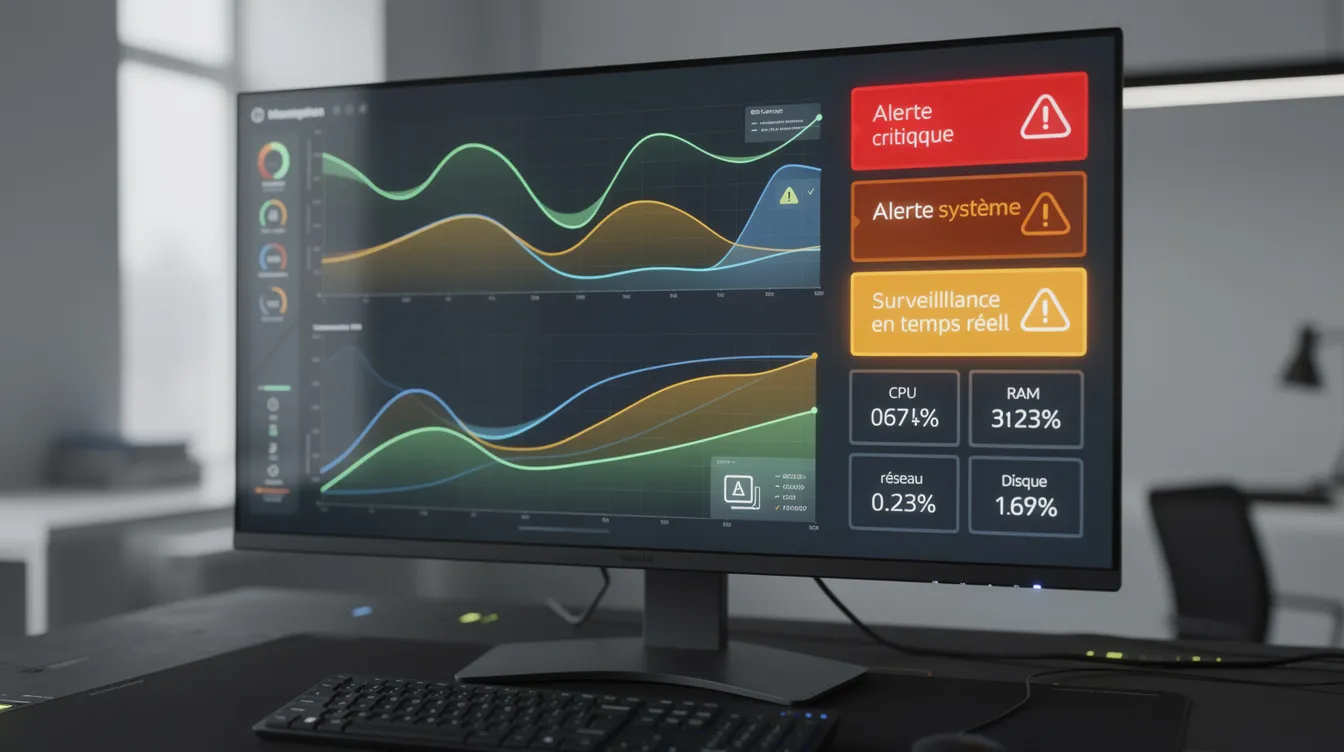
Monitoring is the foundation of proactive maintenance. Without it, you discover problems at the same time as your users, or after them.
Crash and error monitoring: a crash-reporting tool sends alerts when a critical error occurs and produces regular reports that feed corrective maintenance.
Security:
- Update the third-party libraries and components the app uses, because an outdated dependency can expose data.
- Apply security updates to the app and the back end.
- Regularly check for known vulnerabilities.
- Have a specialist check the obligations that apply to your personal data in your markets.
Quality of service: monitoring also covers API response times, back-end availability, app size, launch time and resource use.
Checklist: preparing your app for a maintenance contract
Here is what it helps to gather before starting a maintenance contract.
Technical access:
- ☐ The complete source code, with its version history.
- ☐ Access to the Apple and Google developer store accounts.
- ☐ Access to the back end: production, test environment, database, API keys.
- ☐ Technical documentation: architecture, data models, APIs.
Functional documentation:
- ☐ The main user journeys and priority use cases.
- ☐ Mock-ups and graphic assets.
- ☐ User documentation, if it exists.
Business priorities:
- ☐ The list of critical features, the ones that must not fail.
- ☐ Your busy business periods.
- ☐ The goals linked to the app (orders, bookings, internal use).
Bug reporting:
- ☐ Who reports issues on your side (support, field teams, users)?
- ☐ Through which channel (ticketing tool, email, in-app form)?
- ☐ What information to provide for each issue: screenshot, app version, device model, system, precise description.
What should a mobile app maintenance contract include?
The contract frames a long-term relationship. Key points to include:
- Scope: bug fixes, adaptations (systems, stores, dependencies), small improvements, security updates, technical assistance.
- Platforms covered: iOS, Android, minimum supported versions, type of development (native or cross-platform), back end, APIs and integrations.
- How work is handled: severity levels, response times, communication channels.
- Limits: what counts as maintenance and what is a major evolution or redesign, plus the policy for supporting older app versions.
- Ownership and access: who holds the source code, the store accounts and the documentation, and how handover works at the end of the contract.
- Reporting: how often reports are provided and which indicators are tracked.
You can explore our development and maintenance services to see where maintenance fits in our offering.
How UnzipTech organises maintenance for your mobile apps
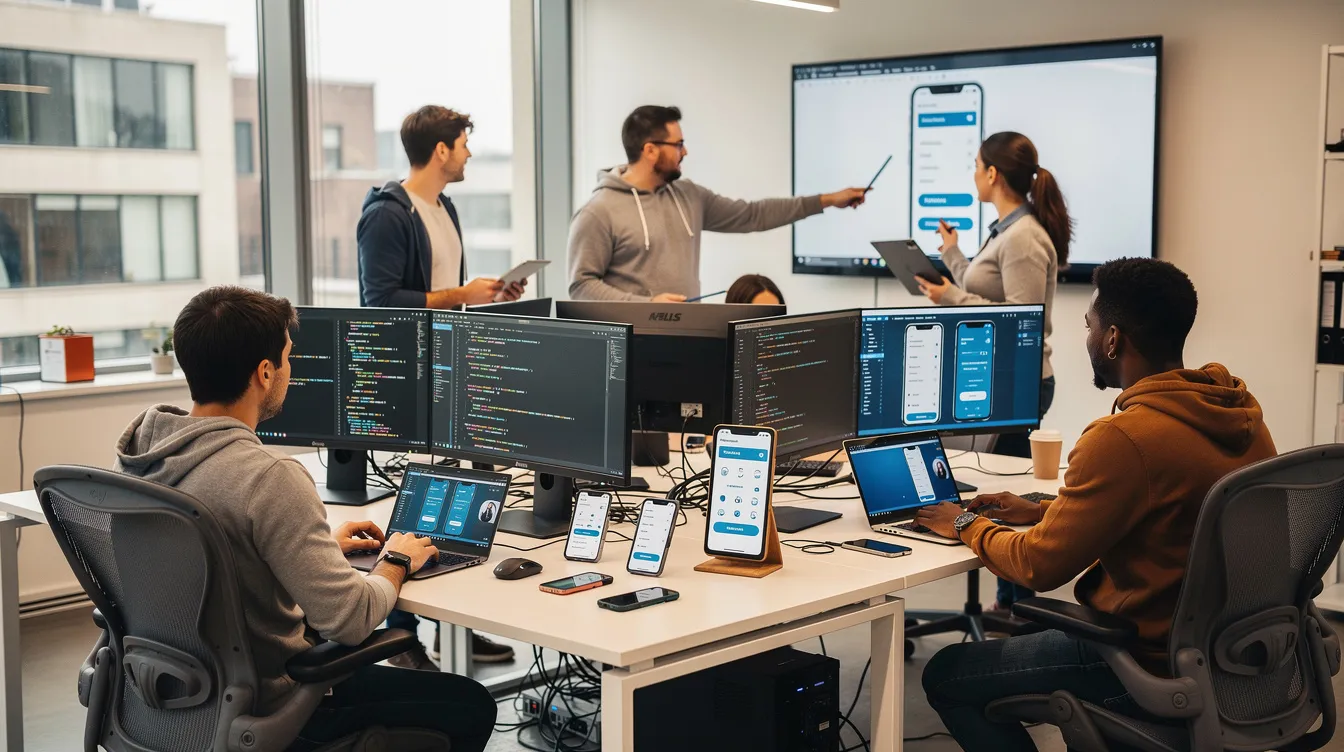
UNZIPTECH SARL, based in Fès, builds native and cross-platform iOS and Android apps. Our project approach follows four steps: listening to and analysing your needs, designing and validating mock-ups, iterative development with regular updates, then delivery, training and follow-up. Every delivery includes a training session for your teams and complete user documentation.
After delivery, we offer maintenance and support contracts. They include security updates, bug fixes, minor improvements and technical assistance, and you choose the level of coverage. Payment is generally split into several phases.
Building maintenance into your mobile product strategy
Mobile app maintenance is not only a technical topic: it connects to the company's goals.
- Decide at management level between urgent fixes, gradual improvements and new features.
- Use user feedback (store reviews, support requests, input from your teams) to prioritise improvements.
- Adopt a continuous-improvement approach, release after release.
If you are planning a new app or a redesign, our mobile app development guide explains the choice between native, cross-platform and web, as well as the project steps.
Mobile app maintenance FAQ
Why maintain an app if it already works? An app that works today can run into problems tomorrow: operating systems evolve, third-party libraries change and new vulnerabilities are discovered. Without maintenance, the app builds up technical debt that eventually leads to crashes, incompatibilities or security risks.
Can maintenance be limited to one or two updates a year? That may suit a very simple app, but it is risky for a business app: new iOS and Android versions, reported bugs and security updates often call for more regular work.
What is the difference between a bug and a change request? A bug is a malfunction: the app does not do what it is supposed to do. A change request adds something new or changes behaviour that works but no longer matches the need. This distinction should be clear in the maintenance contract.
What does an UnzipTech maintenance contract include? Our maintenance and support contracts include security updates, bug fixes, minor improvements and technical assistance. You choose the level of coverage.
How do I get a maintenance quote? The quote is free and tailored after an analysis of your needs. You can contact the UnzipTech team to present your app and your priorities.